
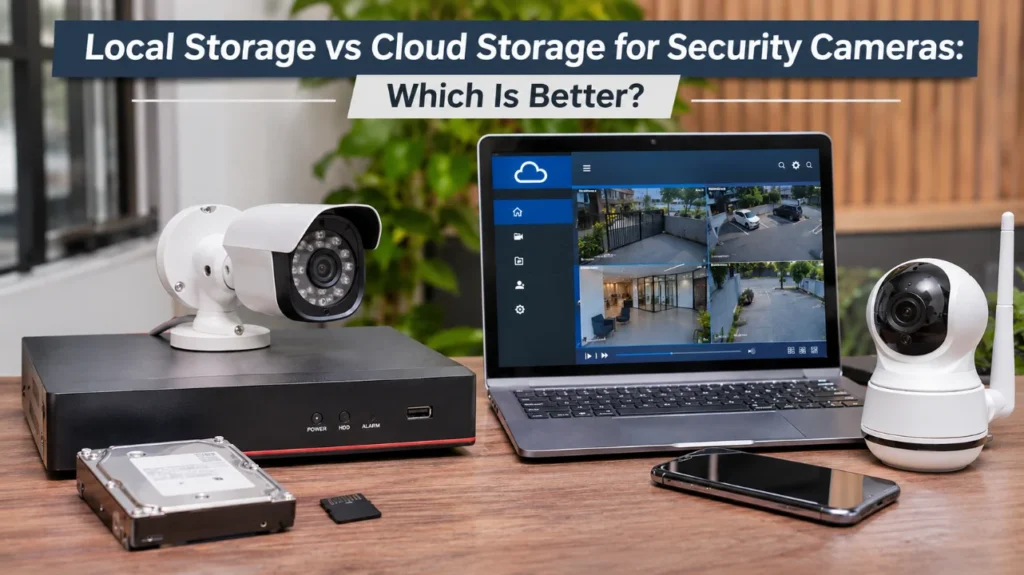
Choosing the right recording method is just as important as choosing the right security camera. A camera may capture clear video, detect motion, and send alerts to your phone, but what happens when you need to review footage from yesterday, last week, or an important security incident?
This is where Local Storage vs Cloud Storage for Security Cameras becomes an important decision.
Some security cameras save video directly to a microSD card, NVR, DVR, or network storage device inside your home or business. Other cameras upload recorded clips to remote servers through an internet connection. Both options have advantages, but they work differently when it comes to cost, privacy, recording reliability, remote access, and video retention.
If you are planning a new CCTV installation, upgrading an existing system, or looking for security camera storage without a subscription, understanding these differences can help you choose the right setup.
In this guide, we will compare local and cloud storage, explain how each works, discuss their advantages and disadvantages, and help you decide which security camera storage option is better for your home, office, shop, or commercial property.
What Is Local Storage for Security Cameras?
Local storage means that your security camera footage is saved on a physical storage device located at your property or directly inside the camera system.
Depending on the camera and recording equipment, videos may be stored on:
- microSD cards
- Internal camera storage
- NVR hard drives
- DVR hard drives
- External storage devices
- Network Attached Storage (NAS)
- Dedicated camera storage hubs or base stations
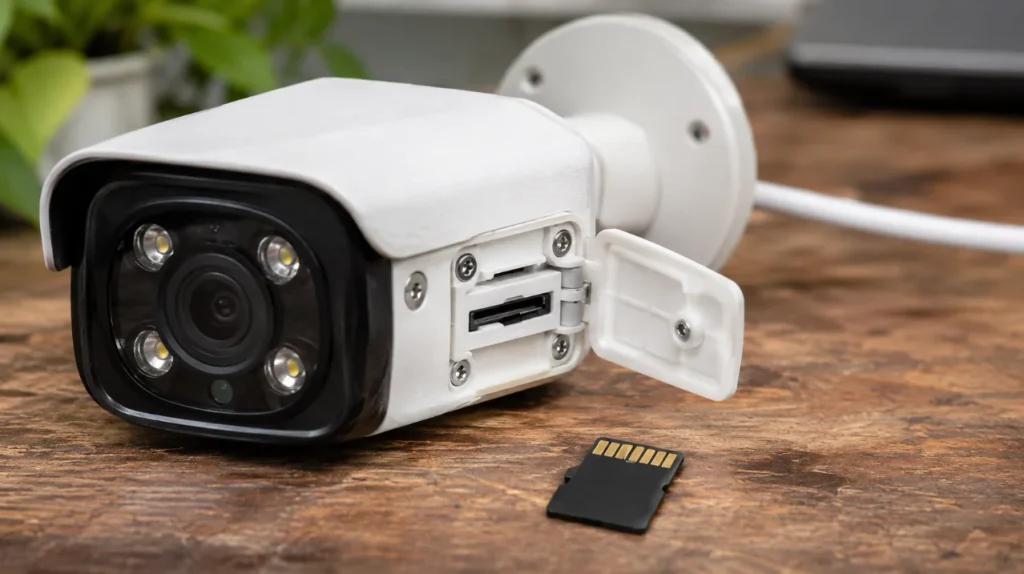
For example, a Wi-Fi security camera may have a microSD card slot. When motion is detected, the camera saves a video clip directly to the card. Some models also support continuous recording.
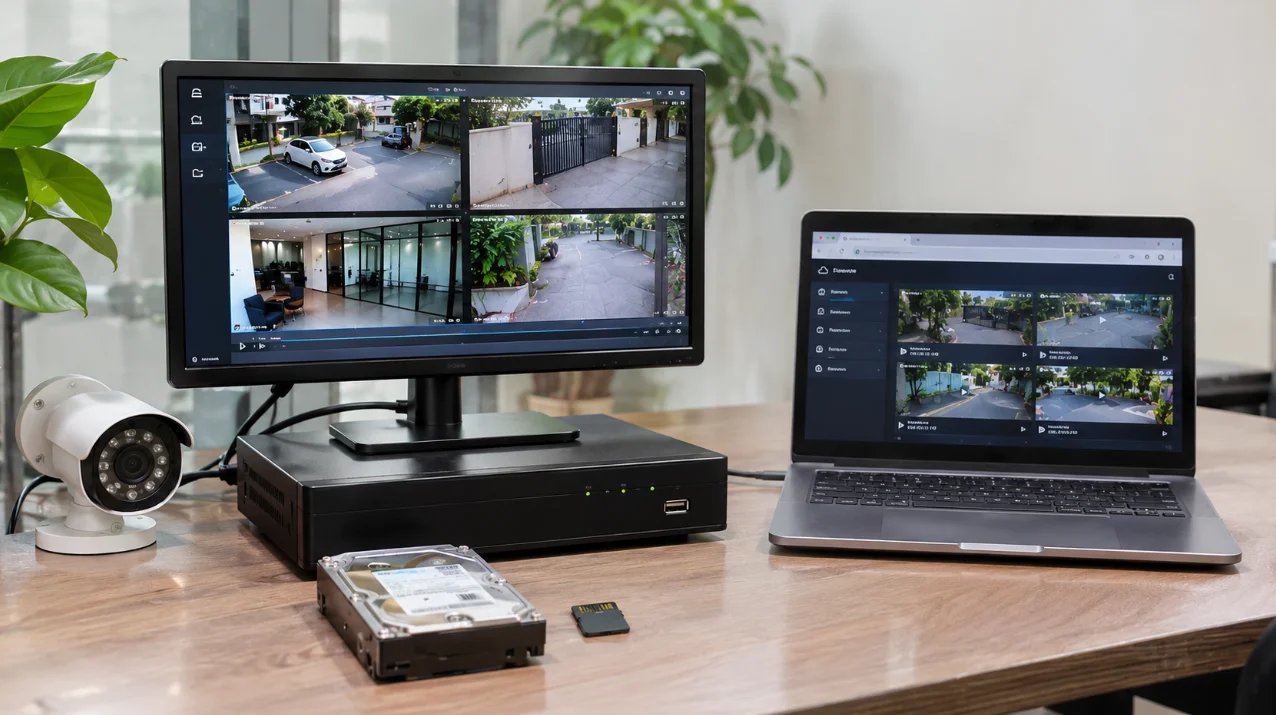
A traditional CCTV system works differently. Multiple cameras connect to a DVR or NVR, and the recorder saves the footage to an installed hard drive. This is one of the most common forms of local security camera video storage.
Local storage security cameras are popular among homeowners and businesses that want to record video without paying a monthly cloud subscription.
How Local Security Camera Storage Works
A typical local storage system follows this process:
- The security camera captures video.
- The camera sends the video to a storage device or recorder.
- The video is saved on a microSD card, hard drive, or network storage.
- Old footage may automatically be overwritten when storage becomes full.
- The user can access recorded footage through the camera app, recorder, monitor, or computer.
For example, in an NVR-based CCTV system, IP cameras send video through the network to the NVR. The NVR records the footage onto its installed hard drive.
If you are planning a complete surveillance installation, read our guide on How to Install CCTV Camera to understand the camera, recorder, cabling, and recording setup.
What Is Cloud Storage for Security Cameras?
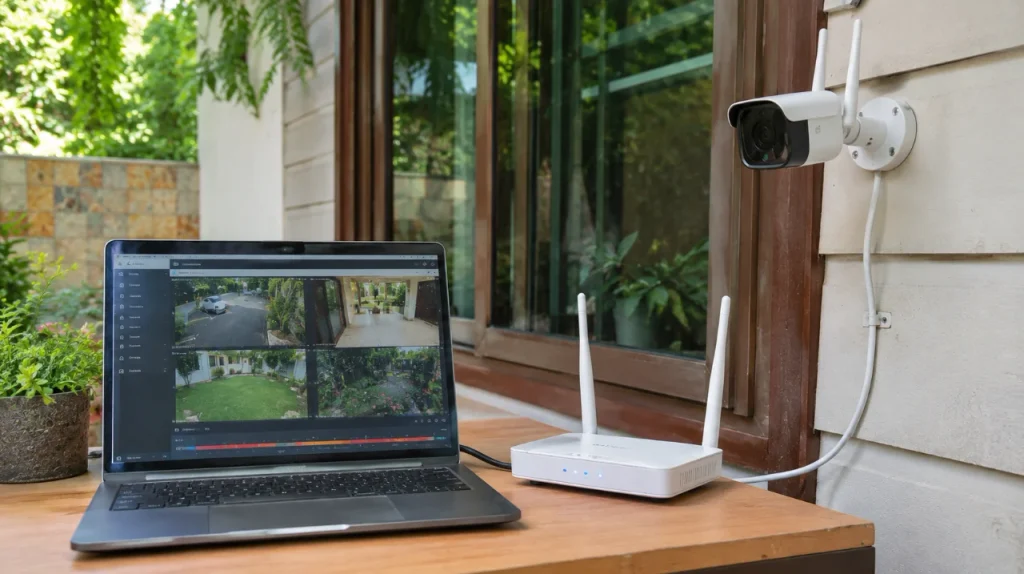
Cloud storage means that security camera recordings are uploaded and stored on remote servers operated by a camera manufacturer or cloud service provider.
Instead of saving every recording only on a device inside your home, the camera sends video clips or recordings through your internet connection to an online storage service.
You can then access the saved footage using a mobile application, computer, or web interface.
Cloud storage security cameras are particularly useful when you want to view recordings remotely or protect important footage from physical damage to the camera or recorder.
How Security Camera Cloud Storage Works
The process generally looks like this:
- The camera detects motion or follows a recording schedule.
- It captures a video clip.
- The camera uploads the video through your internet connection.
- The footage is stored on the provider’s remote server.
- You access the recording through your account or camera application.
Some cloud cameras record only motion-triggered events, while others may support continuous recording depending on the model and subscription plan.
Cloud storage features also vary between manufacturers. Some cameras offer a limited free history, while others require a paid plan for recorded video storage.
Local Storage vs Cloud Storage for Security Cameras: Quick Comparison
Before looking at the details, here is a quick comparison of the two security camera storage options.
| Feature | Local Storage | Cloud Storage |
|---|---|---|
| Storage location | At your property | Remote online servers |
| Internet required for recording | Often no | Usually required for uploading |
| Monthly subscription | Often not required | Frequently required |
| Initial cost | Storage hardware may cost extra | May require a subscription |
| Remote playback | Depends on camera/system | Usually convenient |
| Privacy | More control over footage | Depends on provider security and policies |
| Theft protection | Camera or recorder may be stolen | Successfully uploaded footage may remain online |
| Storage capacity | Depends on card or hard drive | Depends on subscription plan |
| Recording during internet outage | Often possible | Uploading may stop |
| Maintenance | Storage hardware needs monitoring | Less physical storage maintenance |
| Best for | Subscription-free recording | Remote access and off-site protection |
The important point is that neither option is automatically perfect. Your choice should depend on how much footage you need, how often you access it, and what risks you want to avoid.
Advantages of Local Storage Security Cameras
Local storage is an excellent choice for people who want more control over their CCTV recordings and want to avoid recurring storage fees.
No Monthly Subscription Required
One of the biggest benefits of local storage is that you can often record and save video without paying a monthly cloud storage fee.
Once you purchase the camera, memory card, NVR, DVR, or hard drive, the storage system may continue working without an additional subscription.
This makes local storage particularly attractive for:
- Homes with multiple security cameras
- Small businesses
- Shops and offices
- Warehouses
- Users who want security camera storage without subscription
- People who want long-term recording without recurring costs
However, always check the camera’s exact features. Some cameras allow local recording but restrict certain smart alerts, AI detection features, or video playback options behind a subscription.
Recording Can Continue Without Internet
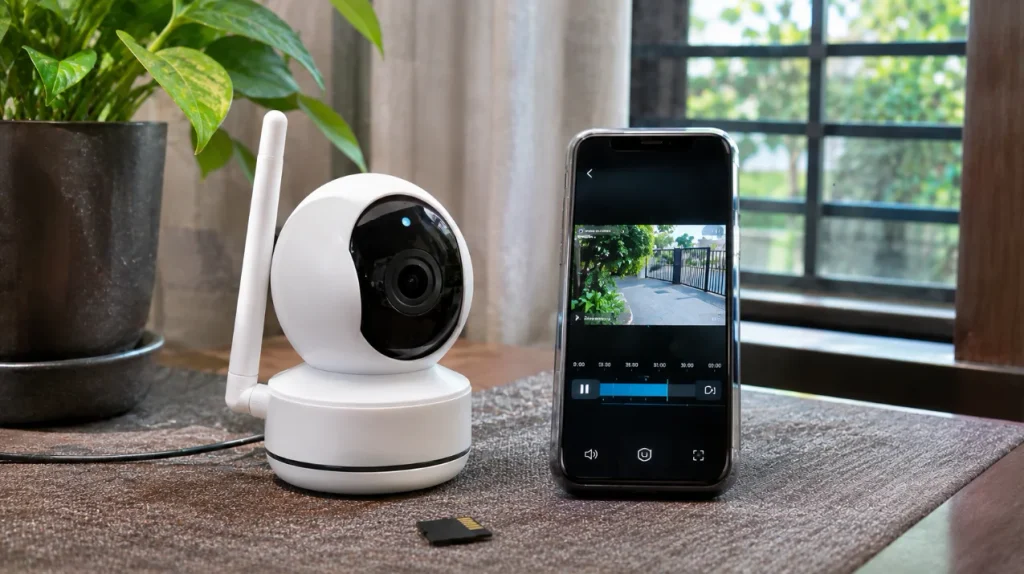
A major advantage of local storage is that the camera may continue recording even when your internet connection is unavailable.
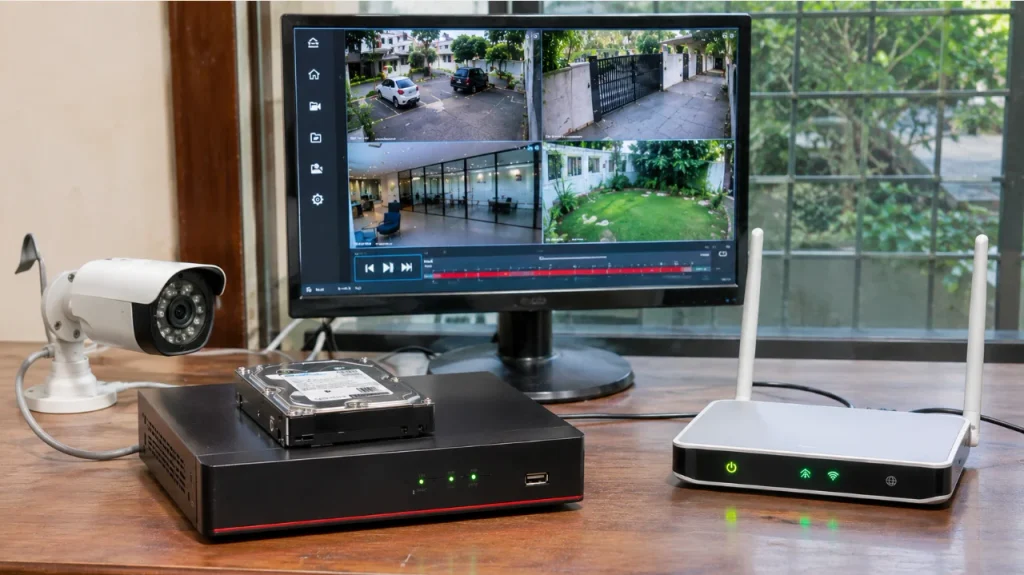
For example, an IP camera connected to an NVR through a local network can continue saving video to the NVR hard drive even if the router loses its internet connection.
Similarly, a camera with a microSD card may continue recording locally if it is designed to operate offline.
This can be particularly useful in areas where internet connectivity is unstable.
Important: Local recording does not mean that every camera will continue working during a power outage. Cameras, routers, switches, and recorders still require electricity unless they have backup power.
Better Control Over Privacy
With local storage, footage can remain inside your home or business instead of being automatically uploaded to a third-party cloud service.
This may be important if your cameras record:
- Bedrooms or private areas
- Home entrances
- Family members
- Employees
- Customer areas
- Sensitive business locations
Local storage does not automatically make a camera completely secure. Cameras and recorders can still be compromised if they use weak passwords, outdated firmware, or insecure remote-access settings.
For better security, use strong passwords, keep camera firmware updated, and enable security features supported by the manufacturer.
The FTC’s security camera privacy guidance recommends researching security features, encryption, software updates, and strong passwords before using connected cameras.
No Upload Bandwidth Required for Local Recording
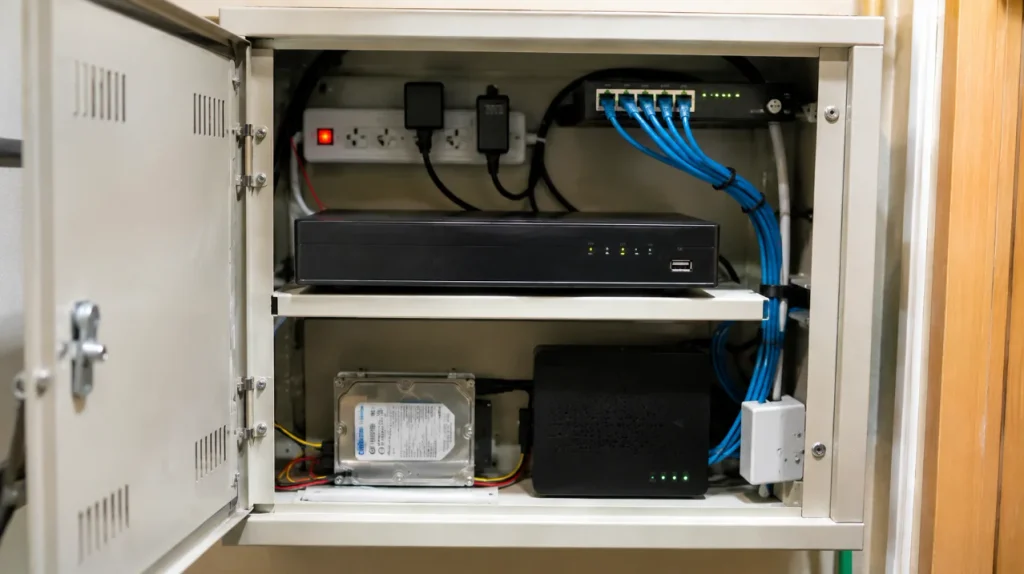
Local recording does not normally require the camera to upload every video file to the internet.
This can reduce internet bandwidth usage, especially when multiple cameras are recording continuously.
For example, a home with four cameras recording 24 hours a day may generate a large amount of video data. If all that footage is uploaded to the cloud, it can significantly increase internet upload traffic.
With local recording, the footage is generally transferred only across your local network to the storage device.
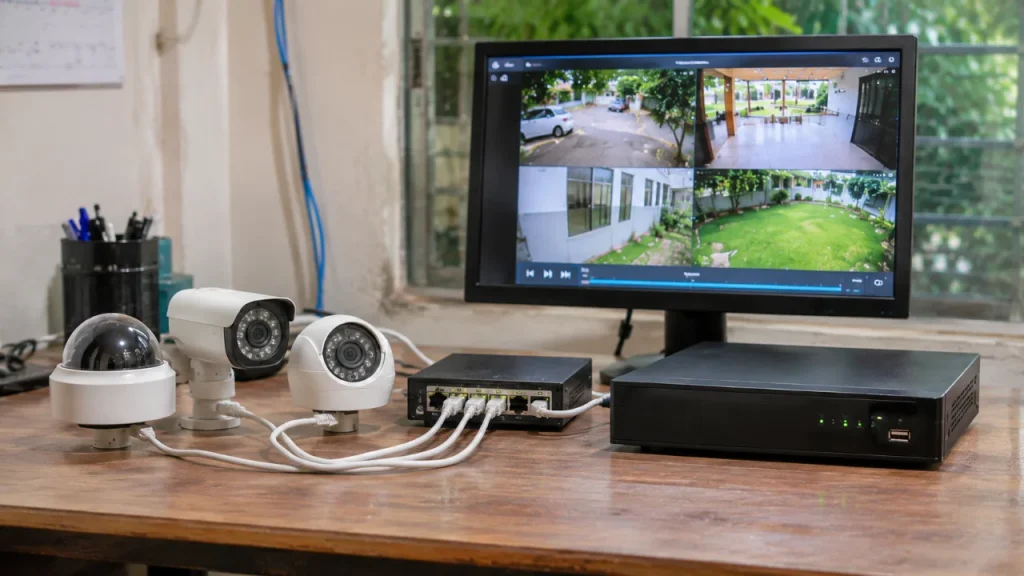
Image Prompt:
Create a photorealistic commercial DSLR image of a CCTV network installation. Show three realistic IP cameras connected through Ethernet cables to a network switch and NVR on a workbench. Include a monitor showing a generic four-camera surveillance view. The focus should be on physical local networking equipment rather than digital effects. Use natural indoor lighting, realistic cables, authentic hardware, neutral colors, subtle imperfections, professional photography, no logos, no watermark, no text overlays. Landscape 16:9.
More Flexible Storage Capacity
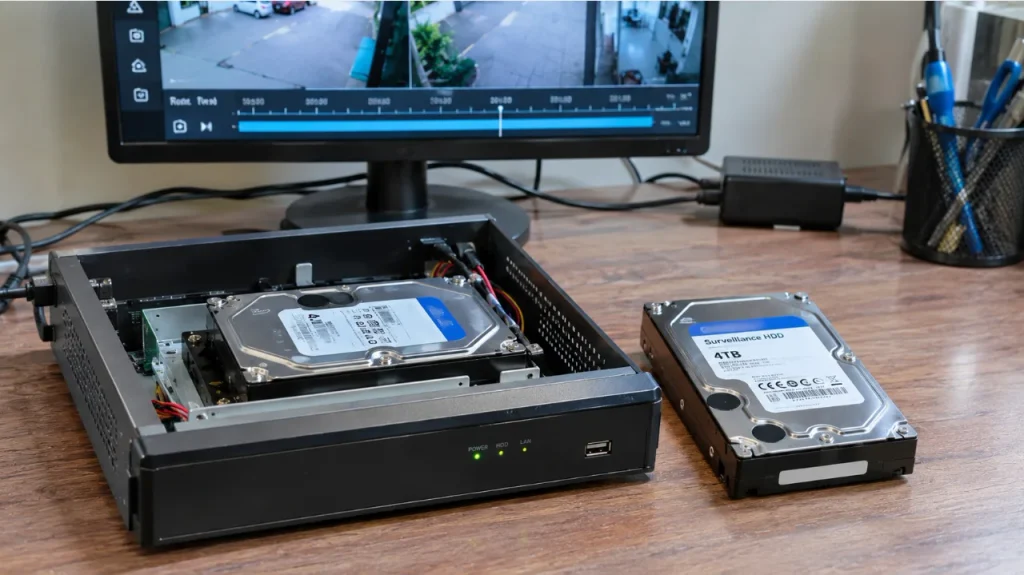
With an NVR, DVR, or NAS system, you may be able to install larger storage drives depending on the recorder’s supported capacity.
This can be useful for businesses that need to retain CCTV footage for several days or weeks.
The storage capacity you need depends on:
- Number of cameras
- Video resolution
- Frame rate
- Compression format
- Recording schedule
- Motion-based recording settings
- Required retention period
A large NVR hard drive can provide much more recording capacity than a small microSD card.
Disadvantages of Local Storage Security Cameras
Although local recording has many benefits, it also has some disadvantages.
Footage Can Be Lost If the Storage Device Is Stolen
One of the biggest weaknesses of local storage is that the footage remains physically located at your property.
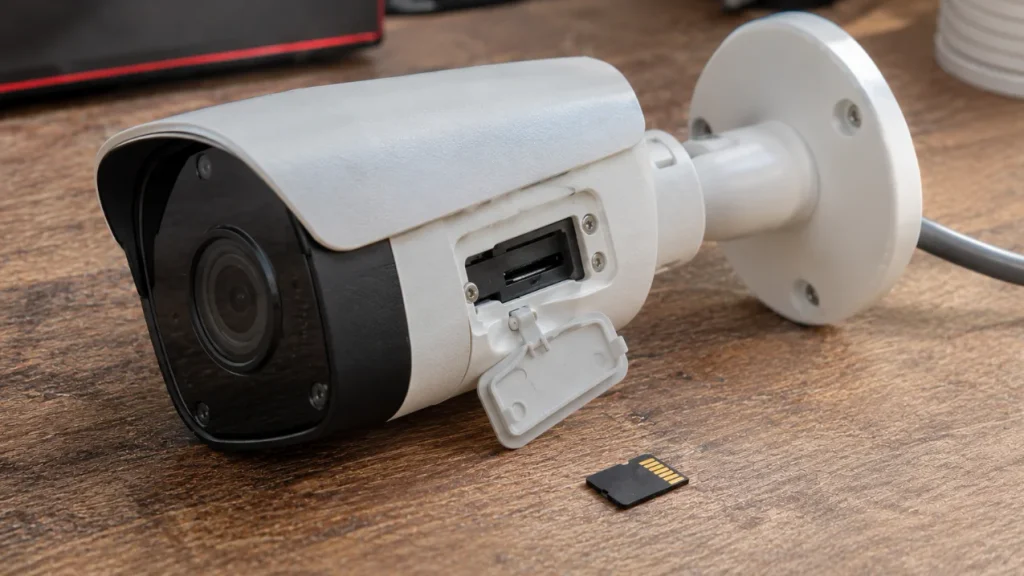
If someone steals the camera, microSD card, DVR, NVR, or storage device, they may also take the recordings with them.
For example, if a camera stores footage directly on a microSD card and an intruder removes the camera, the recorded video may disappear along with the device.
An NVR stored inside a locked room is generally less vulnerable to this particular risk than a camera-mounted memory card, but it is not completely protected from theft, fire, flooding, or physical damage.
Storage Hardware Can Fail
Local storage depends on physical hardware.
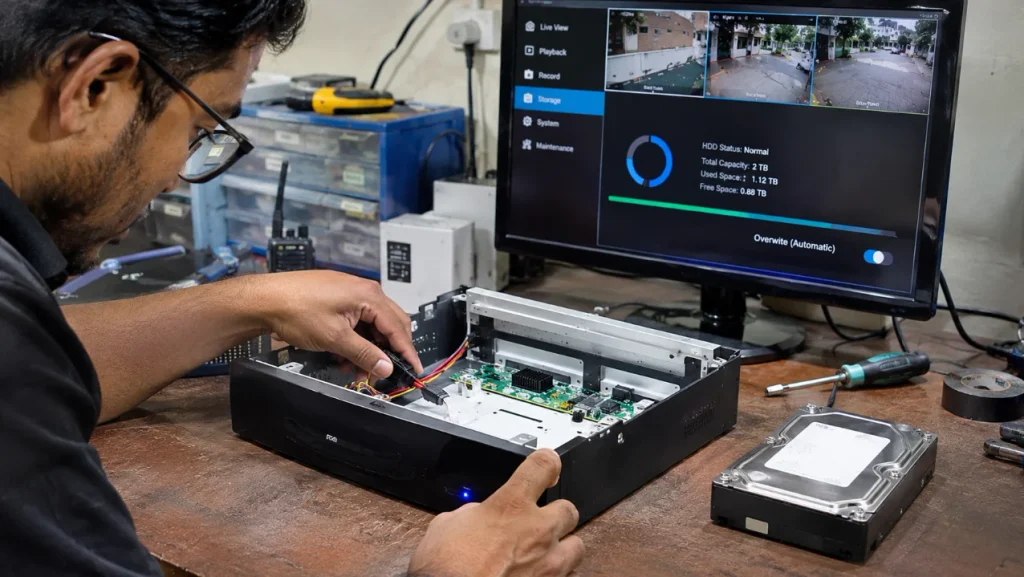
A microSD card may become damaged, a hard drive may develop errors, or the recorder may stop working.
If your camera is not recording properly, you may not discover the problem until you try to review footage.
That is why regular recording checks are important.
You should occasionally:
- Check whether cameras are recording.
- Review a recent video clip.
- Check storage health where supported.
- Verify that the recorder has enough available storage.
- Confirm that overwrite settings are enabled if needed.
For related troubleshooting, read CCTV HDD Error: Reasons and Complete Solution.
Storage Capacity Is Limited
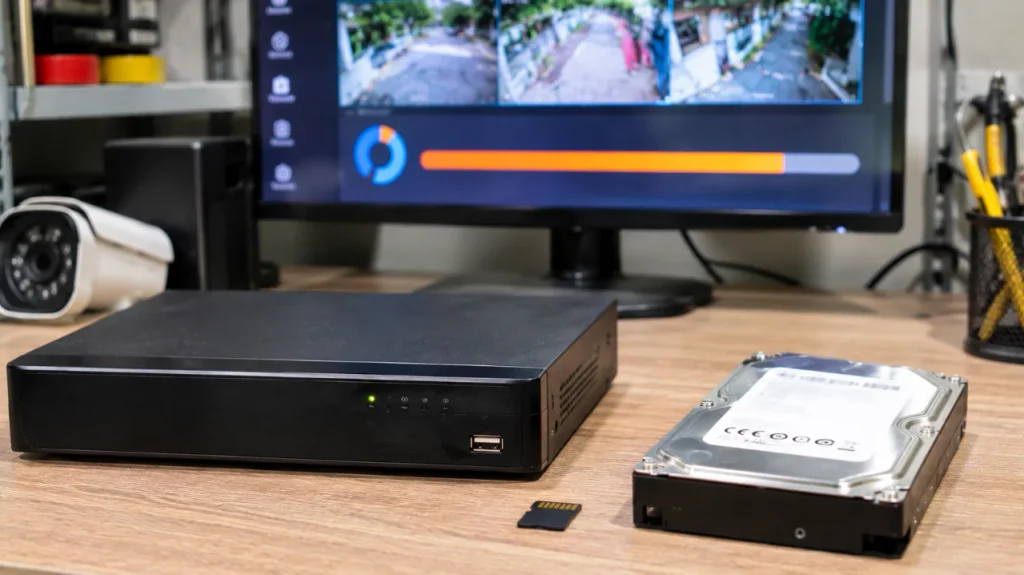
Every physical storage device has a capacity limit.
A microSD card may have limited space, while an NVR hard drive can provide significantly more storage.
When storage becomes full, the camera or recorder may:
- Overwrite the oldest footage
- Stop recording
- Record only selected events
- Require manual storage management
The exact behavior depends on the device settings.
For most CCTV systems, the overwrite setting should be configured carefully so that the system continues recording when the hard drive becomes full.
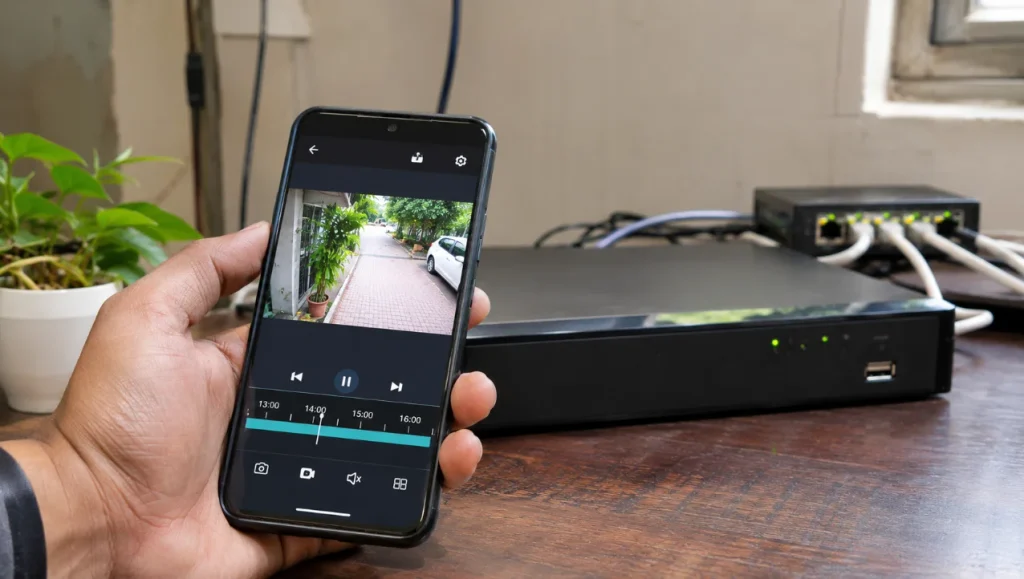
Remote Access May Require Additional Setup
Local storage does not automatically mean that you can easily access recordings from anywhere.
Some systems provide convenient mobile apps and remote playback. Others may require a network connection, remote-access configuration, VPN, or manufacturer-supported service.
If you need to review CCTV footage while traveling, make sure the camera or recorder supports secure remote playback before purchasing it.
Advantages of Cloud Storage Security Cameras
Cloud storage is designed to make recorded video easier to access and protect outside the physical location where the cameras are installed.
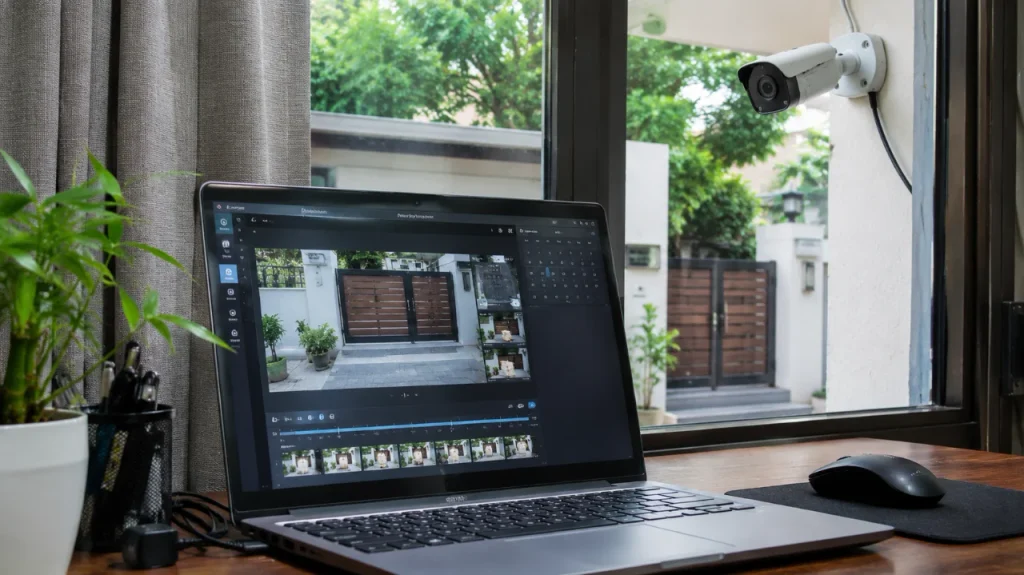
Footage Is Stored Away From Your Property
This is one of the strongest advantages of cloud storage.
If someone damages or steals your camera, the recorded clips that were successfully uploaded may remain available in your cloud account.
The same may apply if your camera or recorder is damaged by fire, water, or another physical incident.
However, cloud storage protects only footage that has actually been uploaded. If a camera loses power or internet connectivity before uploading a recording, that clip may not be available online.
Convenient Remote Access
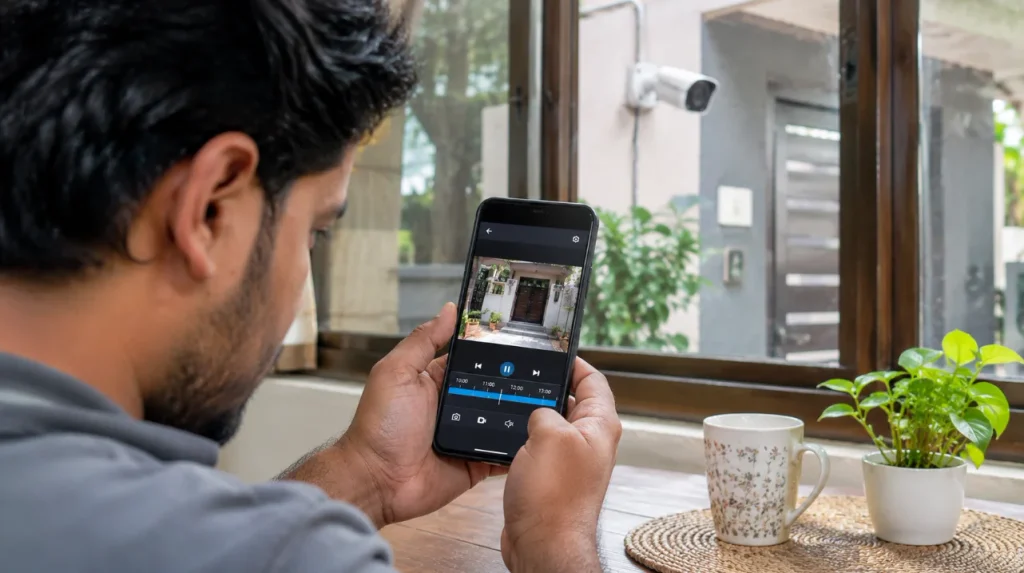
Cloud storage makes it easy to review recorded video through an app or browser.
You may be able to:
- Watch recorded motion clips
- Search through event history
- Download important videos
- Share clips with other users
- Receive alerts
- Review recordings while away from home
For users who frequently travel or manage multiple properties, this convenience can be valuable.
No Need to Manage Physical Storage Devices
Cloud storage reduces the need to purchase and maintain physical storage hardware for every camera.
Depending on the service, the provider manages:
- Storage servers
- Video retention
- Cloud infrastructure
- Software updates
- Backup systems
- Access through mobile applications
This does not mean that cloud footage can never be lost. The provider’s service policies, account status, subscription, retention settings, and technical availability still matter.
Easier Video Sharing
Cloud storage can make sharing security footage easier.
For example, if you need to share a video of a package delivery, vehicle movement, or an incident with another person, many cloud services allow you to download or share a recording through their application.
This can be more convenient than removing a hard drive, exporting footage from an NVR, or manually transferring a video file.
Disadvantages of Cloud Storage Security Cameras
Cloud storage also has limitations that you should understand before paying for a security camera subscription.
Monthly or Annual Subscription Fees
Many cloud storage security cameras require a paid plan to save video history.
Depending on the camera brand and plan, subscription features may include:
- Recorded video history
- Longer retention periods
- Advanced motion detection
- Person or vehicle detection
- Smart video search
- Video sharing
- Multiple camera coverage
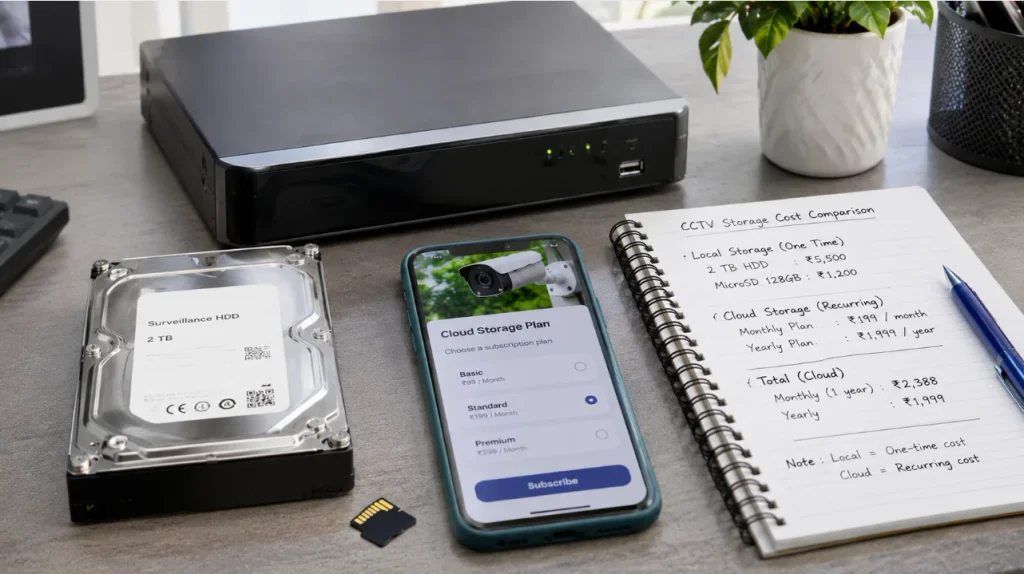
The cost can become significant if you have multiple cameras.
A single-camera subscription may appear inexpensive, but the total annual cost increases when you add several cameras or choose a longer retention period.
Before purchasing a cloud camera, calculate the subscription cost over at least three years.
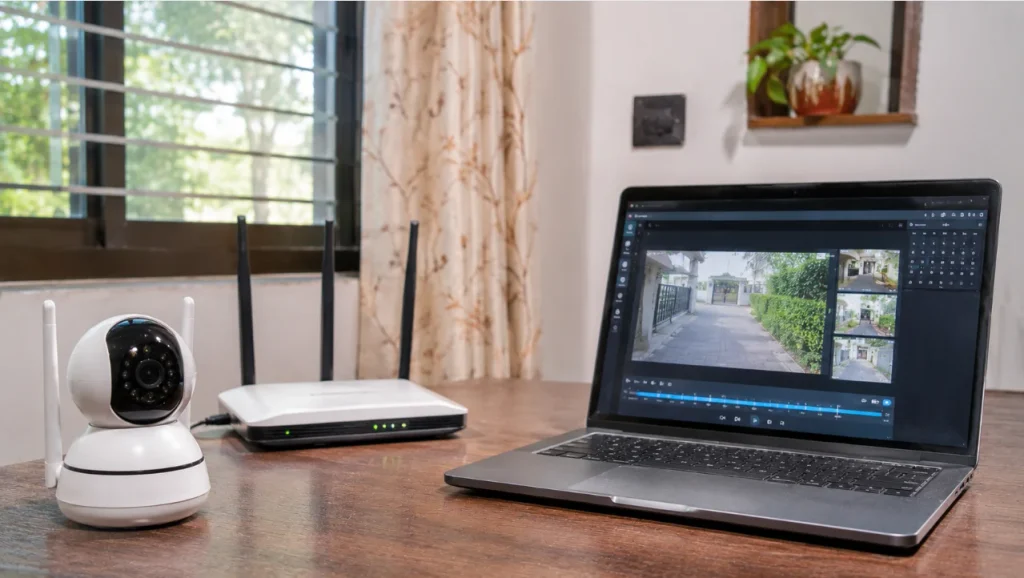
Internet Connection Is Usually Important
Cloud cameras depend on an internet connection to upload recordings.
If your internet connection becomes unavailable, cloud recording may be interrupted.
Some cameras include a temporary recording buffer or local storage fallback, but this depends entirely on the model.
Do not assume that every cloud camera records continuously when the internet is disconnected.
Before purchasing, check:
- Does it have a local microSD card slot?
- Does it continue recording during an internet outage?
- Does it upload buffered footage when the connection returns?
- Is continuous recording supported?
- Does the cloud subscription include the required recording mode?
Upload Bandwidth Can Become a Problem
Security camera footage can consume significant upload bandwidth.
The amount depends on the camera’s:
- Resolution
- Frame rate
- Bitrate
- Compression
- Number of cameras
- Recording duration
If several cameras continuously upload high-resolution video, the internet connection may become congested.
This can affect other activities such as video calls, online gaming, streaming, and general internet usage.
For homes with slower upload speeds, local storage may be a better solution.
Privacy Depends on the Cloud Provider
Cloud storage means your recordings are stored by another company.
Before choosing a provider, review:
- Encryption policies
- Account security
- Two-factor authentication
- Video sharing permissions
- Data retention policies
- Account deletion policies
- Who may access recordings
- Whether video is used for additional purposes
Cloud storage is not automatically unsafe, but you should understand who controls your footage and what security protections are available.
For additional guidance, read the FTC security camera privacy guide.
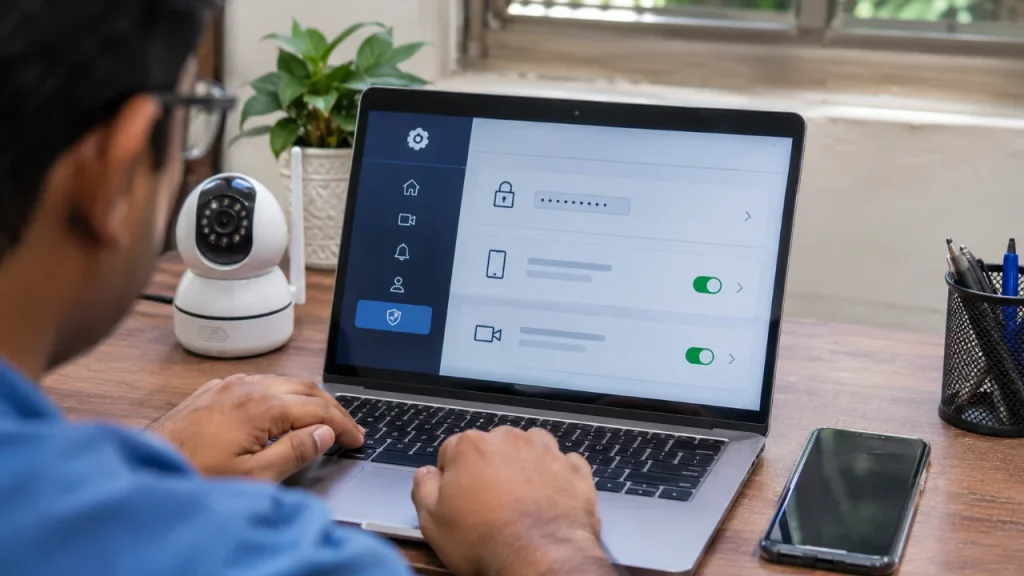
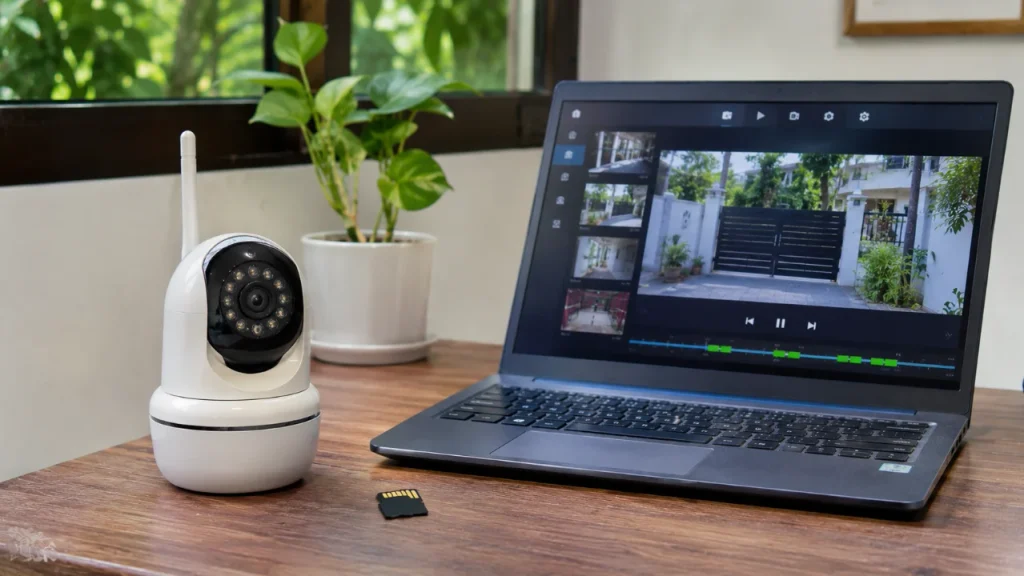
Cloud vs SD Card Security Camera Storage
One of the most common storage decisions is whether to buy a camera with a microSD card or a cloud subscription.
These options are particularly relevant for standalone Wi-Fi cameras.
| Feature | microSD Card | Cloud Storage |
|---|---|---|
| Monthly fee | Usually none | Often required |
| Recording location | Inside camera | Remote server |
| Internet dependency | Often less for recording | Usually required for uploading |
| Theft protection | Limited | Uploaded footage may remain |
| Storage capacity | Limited by supported card | Limited by plan |
| Privacy | More local control | Depends on provider |
| Maintenance | Card may need replacement | Provider manages storage |
| Remote access | Depends on camera | Usually convenient |
A microSD card is usually the cheaper option for users who want basic recording without a monthly fee.
Cloud storage is more convenient if you frequently need remote access or want footage stored away from the camera location.
Before buying, check the maximum supported microSD capacity and whether the camera supports continuous recording or motion-based recording.
NVR Storage vs Cloud Storage
For larger CCTV systems, the comparison becomes more complicated because an NVR can provide centralized local recording.
An NVR system is generally better suited for installations with multiple cameras that require continuous recording.
NVR Storage Is Useful When:
- You have multiple IP cameras.
- You need continuous recording.
- You require longer retention.
- You want centralized playback.
- You need a large hard drive.
- You want to avoid cloud subscription costs.
Cloud Storage Is Useful When:
- You want off-site video backup.
- You need remote access.
- You want easier clip sharing.
- You do not want to maintain a recorder.
- You have a small number of cameras.
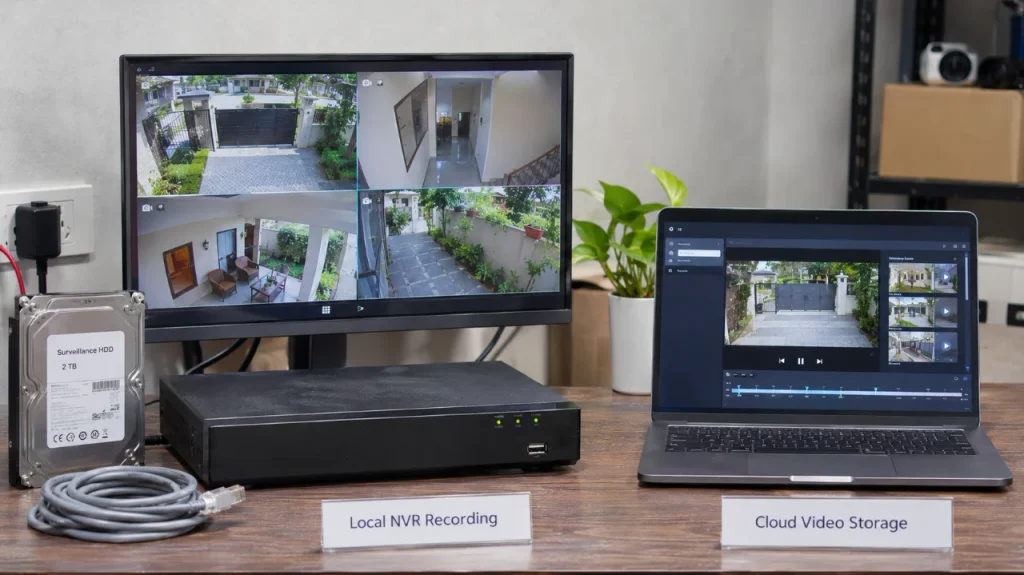
An NVR can also be used with compatible IP cameras and may offer features such as scheduled recording, motion detection, playback, and footage export.
For additional guidance about CCTV recording and playback, read How to View Recording on Hikvision DVR & NVR.
Which Storage Option Is Better for Home Security Cameras?
For most homeowners, the best option depends on how many cameras they have and what they expect from the system.
Choose Local Storage for Your Home If:
- You want to avoid monthly subscriptions.
- You have reliable local storage hardware.
- You want recordings to continue during internet outages.
- You prefer keeping footage at home.
- You need continuous recording.
- You have multiple cameras.
A microSD card can be suitable for one or two standalone cameras.
An NVR is often a better option for a larger home with several wired IP cameras.
Choose Cloud Storage for Your Home If:
- You frequently travel.
- You want convenient remote playback.
- You want recordings protected from camera theft.
- You prefer not to manage physical storage.
- You are comfortable paying a subscription.
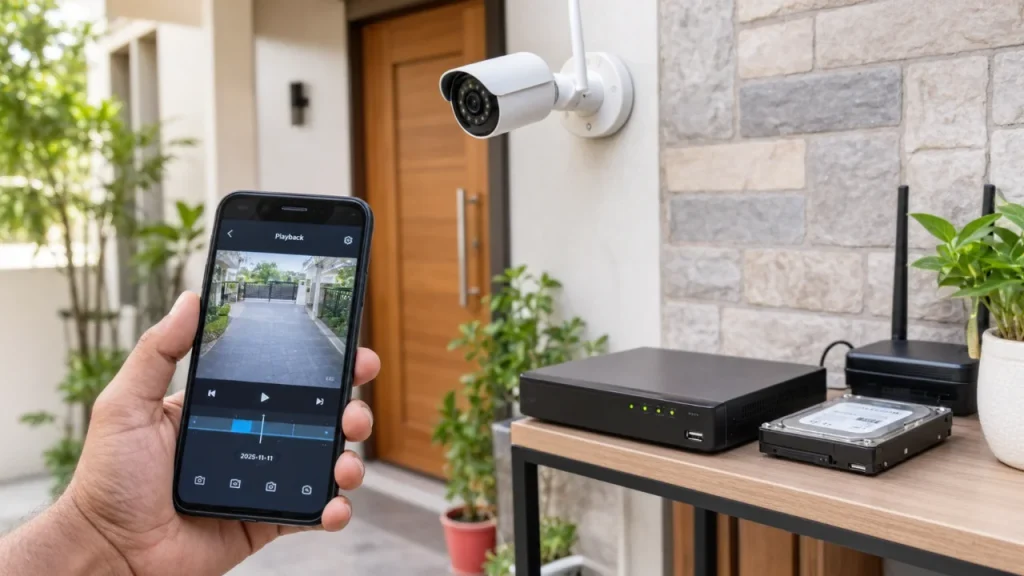
Cloud storage is particularly convenient for doorbell cameras and small wireless camera systems.
Which Storage Option Is Better for Businesses?
Businesses usually have different storage requirements from homeowners.
A shop, warehouse, office, restaurant, or factory may need to retain footage for a longer period and may have many cameras recording continuously.
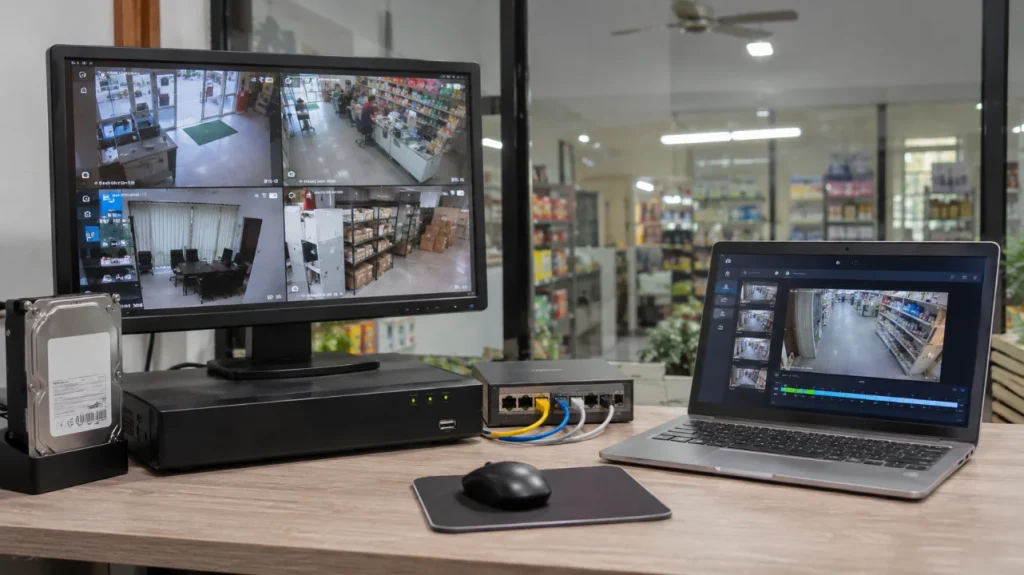
For these installations, local NVR storage is often the practical primary recording solution.
Local NVR Storage Is Suitable for:
- Retail shops
- Offices
- Warehouses
- Factories
- Schools
- Parking areas
- Commercial buildings
Businesses may also use cloud storage for selected cameras or important recordings.
For example:
- Local NVR records every camera continuously.
- Cloud storage backs up important motion events.
- Important footage is exported to a separate backup device.
This provides multiple layers of protection.
Can Security Cameras Record Without a Subscription?
Yes, many security cameras can record without a subscription.
However, this depends on the camera’s storage features.
Cameras That May Record Without a Subscription Include:
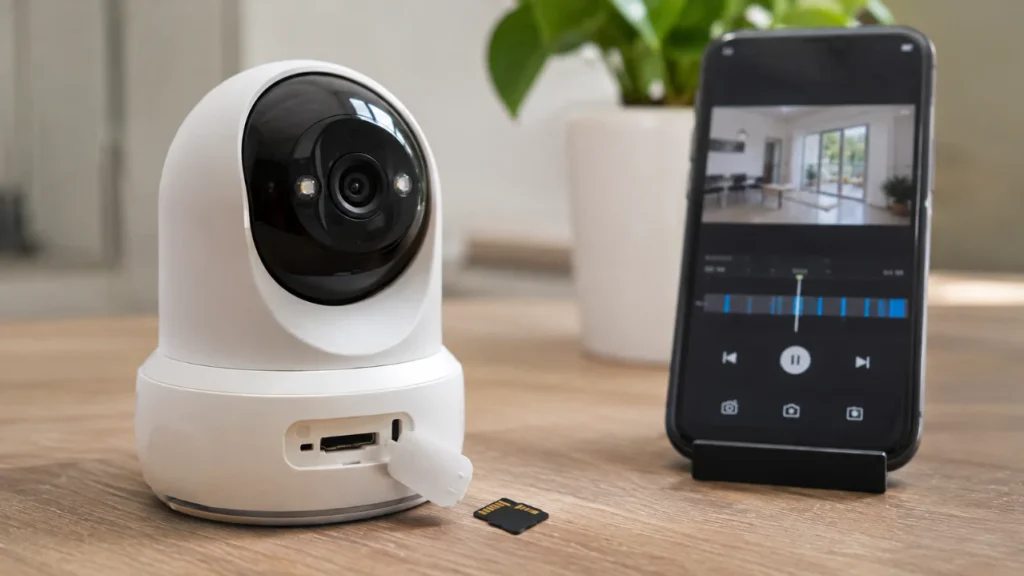
- Cameras with microSD card storage
- IP cameras connected to an NVR
- Cameras with built-in storage
- Cameras connected to a local base station
- Cameras recording to a compatible NAS
Some cameras may provide live viewing and notifications for free but require a subscription to save video history.
Therefore, before buying a camera, check the following:
- Does it support local storage?
- Does it have a microSD card slot?
- What is the maximum supported card capacity?
- Does it support continuous recording?
- Can recorded footage be viewed without a subscription?
- Are motion alerts free?
- Are advanced AI features subscription-based?
- Does it continue recording without internet?
This is particularly important when searching for security camera storage without a subscription.
Do not rely only on the product advertisement. Check the official specifications for the exact model.
Does Local Storage Work Without Internet?
In many CCTV systems, yes.
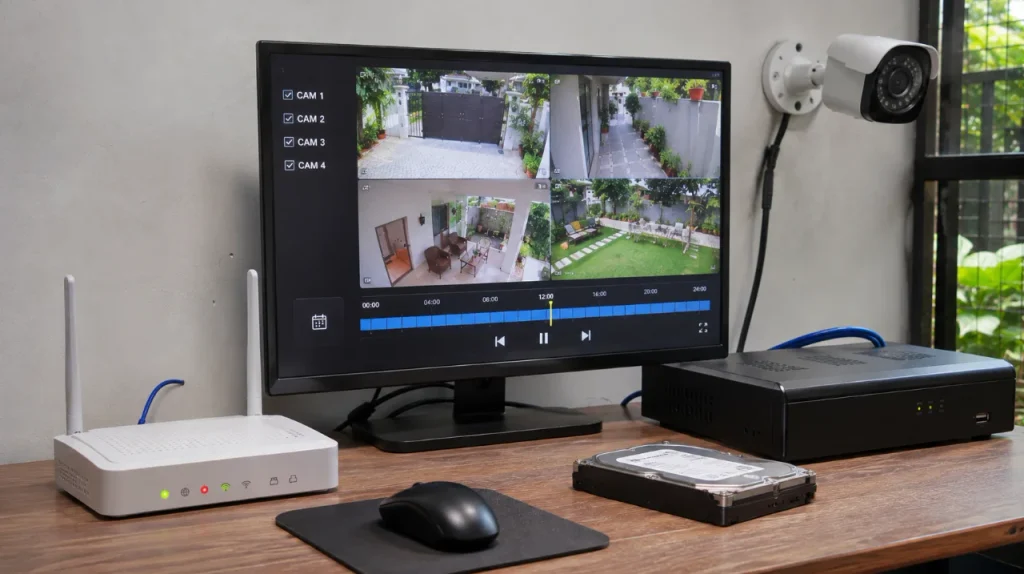
A camera connected to an NVR through a local network can record footage even when the internet connection is unavailable.
A standalone camera with a microSD card may also record locally without internet, depending on its design and configuration.
However, you may lose access to:
- Remote viewing
- Cloud notifications
- Cloud recording
- Remote playback
- Manufacturer cloud services
The exact behavior varies by camera.
Local recording, remote viewing, and cloud recording are three separate functions.
A camera may continue recording locally while remote viewing is unavailable.
How Much Storage Do Security Cameras Need?
The amount of storage required depends on the video settings and recording schedule.
A camera recording at a higher resolution and bitrate will generally consume more storage than a camera recording at a lower bitrate.
Camera Resolution
Higher resolution video generally requires more storage.
For example, 4K video normally requires more storage than 1080p video when other recording settings are similar.
Frame Rate
A higher frame rate may increase storage requirements.
However, the actual amount depends on the compression method and bitrate.
Video Compression
Modern compression technologies can reduce storage requirements while maintaining acceptable image quality.
Continuous vs Motion Recording
Continuous recording saves video throughout the day.
Motion-based recording saves footage when the camera detects activity, which may reduce storage usage.
Number of Cameras
More cameras mean more total video footage.
For example, a four-camera system recording continuously will generally require more storage than a single camera system using similar settings.
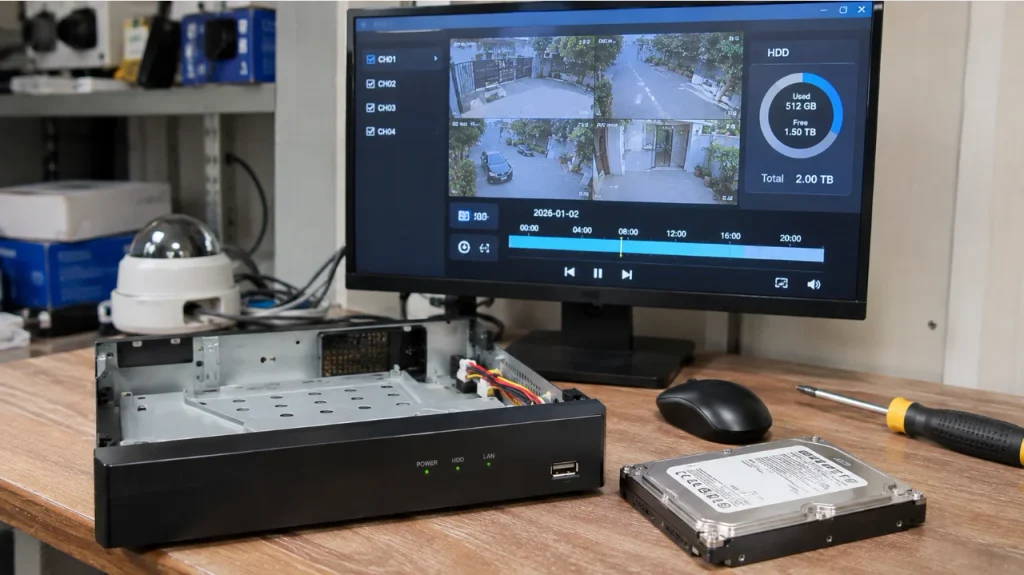
How Long Does Security Camera Footage Stay Saved?
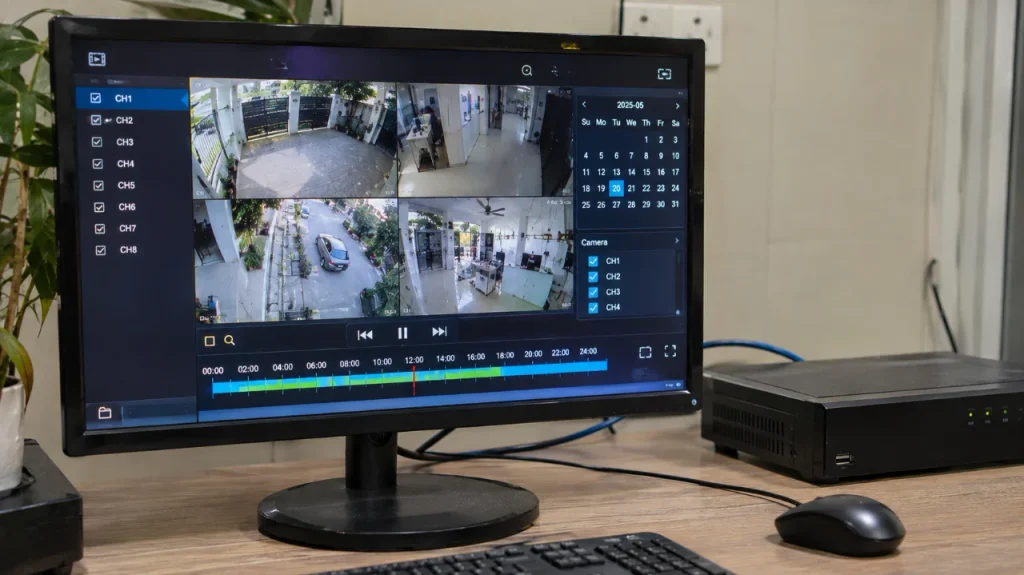
There is no universal retention period.
Local storage retention depends on the storage capacity and recording settings.
Cloud storage retention depends on the provider and subscription plan.
For example, a camera recording continuously may overwrite older video much faster than a camera recording only motion events.
The retention period depends on:
- Storage capacity
- Video bitrate
- Number of cameras
- Recording schedule
- Motion detection settings
- Cloud plan limits
- Whether continuous recording is enabled
If you need footage for a specific period, do not assume that your camera automatically saves it for 30 days or longer.
Check the actual storage configuration.
Can You Use Both Local and Cloud Storage?
Yes. A hybrid storage setup can provide the advantages of both options.
This is often the best solution when security footage is important.
How a Hybrid CCTV Storage System Works
A hybrid system may work like this:
- Cameras record continuously to an NVR or local storage.
- Motion events are uploaded to cloud storage.
- Important clips are saved separately.
- Local recording provides the main video archive.
- Cloud storage protects selected footage against physical damage or theft.
For example, a business may record all eight cameras locally while backing up the entrance camera’s important motion events to the cloud.
A homeowner may use a microSD card for regular recording and a cloud subscription for selected clips.
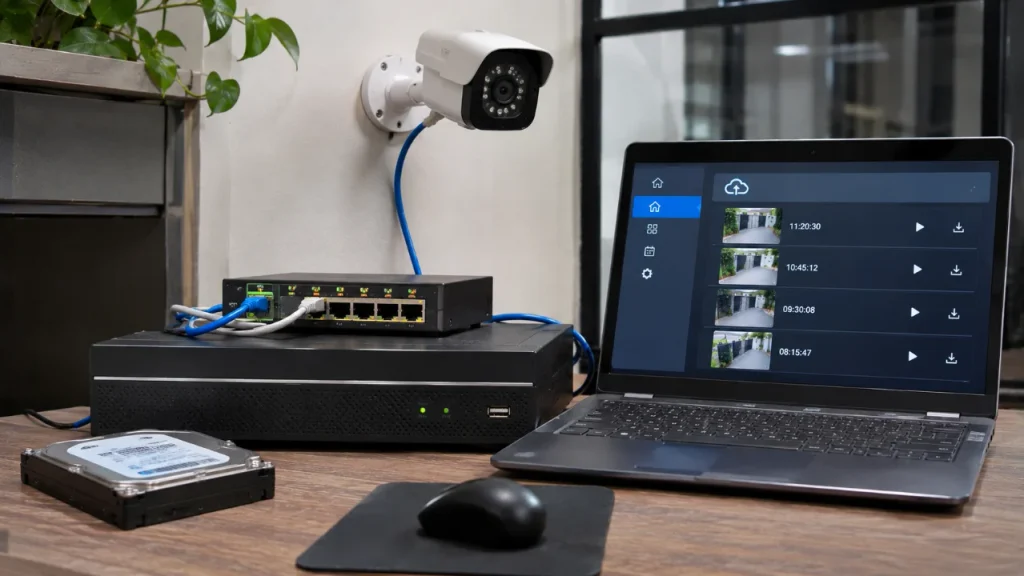
The hybrid approach is especially useful when you want to avoid losing important recordings.
Local Storage vs Cloud Storage: Which One Should You Choose?
The answer depends on your priorities.
Choose Local Storage If:
- You want security camera storage without a subscription.
- You want footage stored inside your home or business.
- You need continuous recording.
- Your internet connection is unreliable.
- You want to reduce upload bandwidth.
- You are comfortable maintaining storage hardware.
Choose Cloud Storage If:
- You want easy remote access.
- You frequently travel.
- You want off-site footage protection.
- You do not want to manage hard drives or memory cards.
- You want easy video sharing.
- You are comfortable with subscription fees.
Choose Hybrid Storage If:
- You want continuous local recording.
- You want protection against theft or physical damage.
- You need important footage backed up remotely.
- You want the flexibility of both storage methods.
For most multi-camera CCTV installations, local NVR storage is a strong primary recording solution. Cloud storage can be useful as an additional backup, particularly for important security events.
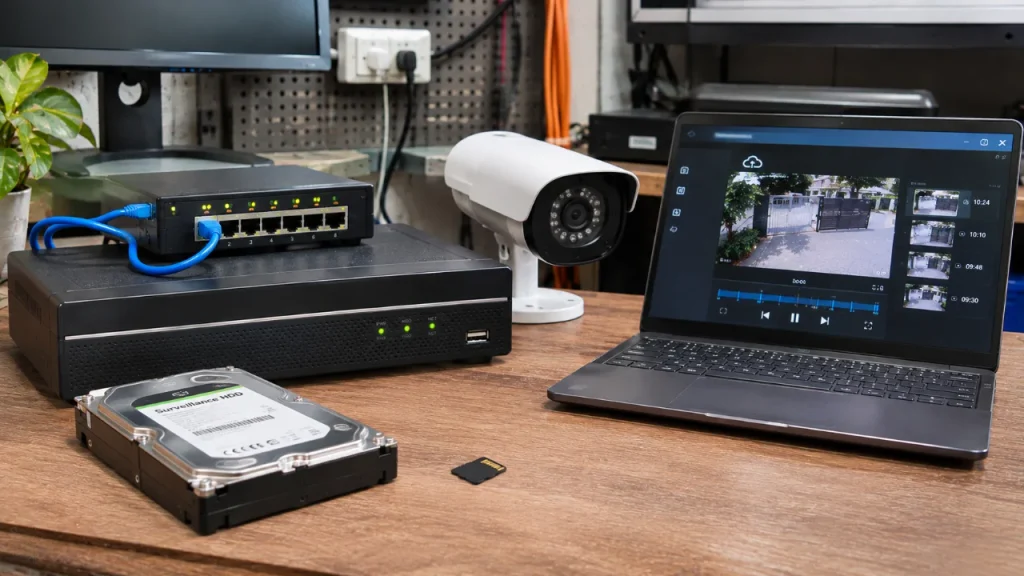
Final Verdict: Local Storage vs Cloud Storage for Security Cameras
There is no single storage option that is best for every security camera system.
Local storage is generally better for users who want control, continuous recording, lower long-term costs, and the ability to record without an internet connection.
Cloud storage is better for users who value convenient remote access and want recordings stored away from their property.
If you are installing several cameras at a home or business, an NVR with a surveillance hard drive is often a practical starting point. You can add cloud storage later if off-site backup is important.
For a single wireless camera, a microSD card may be enough if the camera supports local recording and playback without a subscription.
Before purchasing any security camera, verify the exact model’s storage options, recording modes, subscription requirements, supported storage capacity, and behavior during internet outages.
The best security camera video storage system is the one that reliably saves the footage you need, protects it appropriately, and fits your budget.
Frequently Asked Questions
Is local storage better than cloud storage for security cameras?
Local storage is better if you want to avoid subscriptions, keep recordings on your property, and record without internet access. Cloud storage is better if you want remote access and off-site protection against camera theft or physical damage.
Do security cameras need cloud storage?
No. Many security cameras can record locally using microSD cards, NVRs, DVRs, or network storage. Cloud storage is optional for cameras that support local recording.
Can security cameras record without internet?
Many local-storage cameras can record without internet. However, remote viewing, cloud recording, and notifications may stop working. Check the exact camera model before relying on offline recording.
Is cloud storage safer than local storage?
Cloud storage can protect uploaded footage from physical theft or damage at your property. Local storage provides more physical control over recordings. Both can be secure when configured correctly, but each has different risks.
What is the best storage for CCTV cameras?
For a multi-camera CCTV installation, an NVR or DVR with a surveillance hard drive is often a practical solution. For a single Wi-Fi camera, a microSD card may be sufficient. Cloud storage can be added for remote backup.
Can I use an SD card instead of cloud storage?
Yes, if your camera supports microSD recording. You should verify the maximum card capacity, recording mode, playback features, and whether the camera works without a subscription.
How long does CCTV footage stay on local storage?
It depends on storage capacity, camera resolution, bitrate, number of cameras, and recording schedule. When storage becomes full, many systems overwrite older footage automatically if overwrite is enabled.
Does cloud storage require a monthly fee?
Many cloud camera services require a monthly or annual subscription for saved video history. Some offer limited free storage, but subscription requirements vary by brand and camera model.
Can I use local and cloud storage together?
Yes. Some cameras and CCTV systems support both local recording and cloud backup. This can provide a combination of continuous local recording and off-site protection for important clips.
What happens when the internet goes down?
A camera with local storage may continue recording, but cloud uploading and remote access may stop. Some cameras have temporary recording buffers or backup features, but these vary by model.
Related Articles
- How to Install CCTV Camera: Complete HD & IP Installation Guide
- 12 CCTV Camera Types Explained: Features, Uses & Difference
- IP Camera vs HD Camera: Which CCTV System Is Better?
- 10 Common IP Camera Installation Problems and How to Fix Them
- CCTV HDD Error: Reasons & Complete Solution
- How to View Recording on Hikvision DVR & NVR
