
Dahua Technology has a series of software utilities. They are known as Dahua Tools for PC. These Tools are designed to arrange, manage, set up, and configure Dahua surveillance systems. These tools help users manage devices such as DVRs, NVRs, and IP cameras efficiently from a PC.
In this post, we guide users on how to use Dahua Tools for PC to manage their Dahua surveillance devices. Key Dahua tools are as follows.

Config Tool Dahua

Disk Calculator Dahua

Smart Player Dahau
We will discuss and detail them to understand their best usage, features, merits, and demerits. We will also provide a comprehensive guide to help you download, install, and configure them. Dahua Tools are reliable and advanced.
Dahua Tools for PC
Dahua Tools are used via PCs. These tools are available for Windows and Mac.
Through these CCTV Tools, users can easily reset devices, modify IPs, update firmware, change passwords, and perform many other functions.
Let’s discuss them here.
1 – Dahua Config Tool
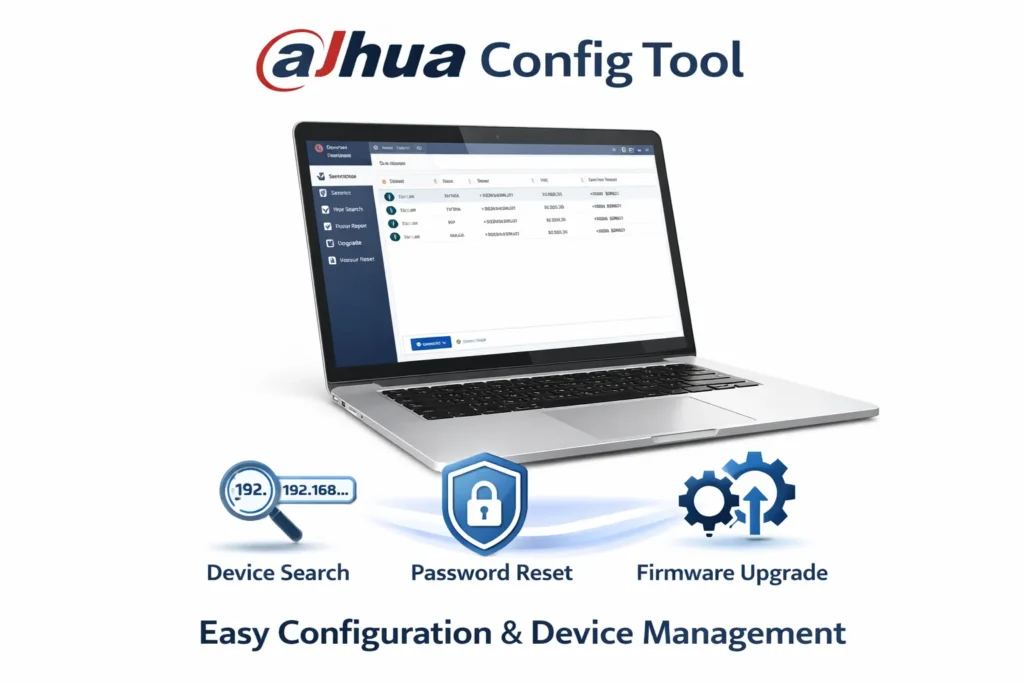
Dahua Config Tool is one of the most important utilities for any Dahua user. It is a powerful utility tool that is designed and developed by Dahua Technology.
It helps integrators and owners to scan, detect, and manage Dahua surveillance devices on a network. The Dahua Config Tool is highly useful in discovering and modifying IPs of cameras, DVRs, and NVRs. It also supports updating firmware and resetting device passwords.
This tool is of great advantage to owners, installers, and technicians. It is a simple tool and can be easily used by beginners. With its simple interface and efficient batch configuration features, the tool helps in managing devices quickly and reducing extra tasks.
Dahua Config Tool Key Features
Its key features are given here.
- It automatically detects all Dahua devices. It can discover them and allow them to make requisite changes.
- Shows IP address, MAC address, and status. You get these key device details for device management.
- It scans the device and allows quick IP modification. Highly useful feature for device connection.
- The batch configuration support function helps in arranging and managing multiple devices at a time.
- Firmware upgrade option. It upgrades the firmware to update Dahua CCTV Devices.
What You Can Do With the Dahua Config Tool
- Find cameras, NVRs, DVRs, and their IP addresses.
- Through the tool, you can change network settings.
- It helps in activating Dahua devices.
- Through the tool, you can easily reset passwords.
Real Use Case
Let’s take this case, where you have installed a new IP camera but don’t know its IP address. To solve the issue, take the following measures.
Just open the Config Tool and click the “Search” button, and it will instantly show you your device.
How to Download & Install
Follow these steps.
Step 1 – Download the Config Tool from the official Dahua source
Step 2 -Run the installer.
Step 3 – Launch the software.
Step 4 – Click the “Search” tab to scan devices.
How to Use Dahua Config Tool
To use the tool, go through these steps.
- Open the tool
- Click “Search”
- Select your device
- Change IP settings if needed.
- Save changes
Pros
- Very fast and lightweight. Its app size is small, and downloading is easy.
- Saves time during setup. Just a few minutes and it is loaded.
- Essential for IP camera users. Because you can discover and manage IPs.
Cons
- Only works on the local network.
- Limited advanced features. Good for moderate features.
Complete Guide – Dahu Config Tool
2 – Dahua Disk Calculator (Storage Planning Tool)
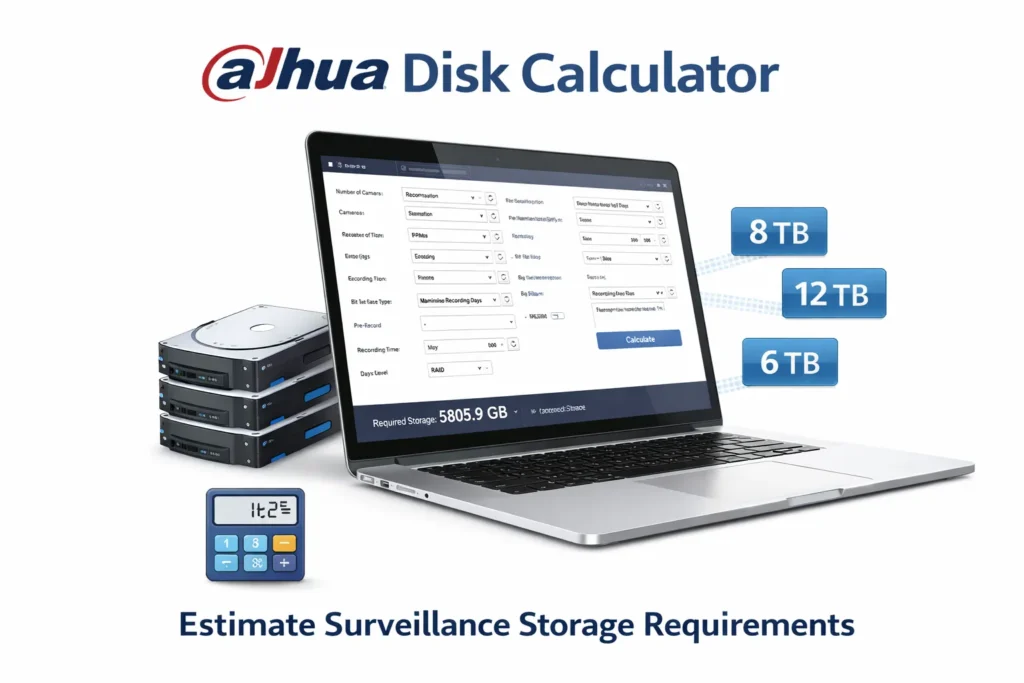
Dahua Disk Calculator helps you estimate how much storage your CCTV system will need. This is critical for planning DVR/NVR storage capacity.
Through the tool, you can easily calculate the Hard Drive Space required to store data. It studies features and functions like camera resolution, bitrate, number of channels, and recording duration.
The tool is used extensively by the Dahua system users, integrators, and technicians. It can calculate an accurate storage capacity. The calculation makes it easier to choose the right hard drives.
Key Features
- Calculates storage based on the number of installed and connected cameras.
- It supports multiple resolutions. This gives users the option to select a proper resolution for good video quality.
- Adjustable recording time because you can calculate it for each Dahua Device separately.
- Frame rate and bitrate settings. Bit rates and frame rates suggest the disk space required.
Why It Matters
Without proper calculation, we may face these challenges.
- You may run out of storage early. Chances of device space miscalculation are high with the Disk Calculator.
- Important recordings can be missed. Important footage may get overwritten. When we have this Dahua Disk Calculator, we can accurately calculate our requirements.
Real Use Case
Take this case as an example.
Suppose you have 8 cameras and you require 24/7 recording for a 15-day backup, the Disk Calculator will tell you exactly how many TB you need.
How to Download & Install the Dahua Disk Calculator
Follow these steps.
- Download the tool
- Install it on your PC
- Open the calculator
How to Use Dahua Disk Calculator
To exactly calculate the data for the disk space, follow these steps.
- Enter the number of cameras.
- Select resolution (e.g., 1080p, 4MP)
- Set recording hours (24/7 or motion)
- Choosing retention days means recording for the required periods.
- Click calculate
You’ll get the required storage instantly.
Pros
- It provides you with accurate results without any variation.
- The tool is easy to use. A non-technical person can use it easily.
- Helps avoid storage issues.
Cons
- Requires a basic understanding of settings.
- Not useful without camera details.
Complete Guide – Dahua Disk Calculator
3 – Dahua Smart Player (Video Playback Tool)
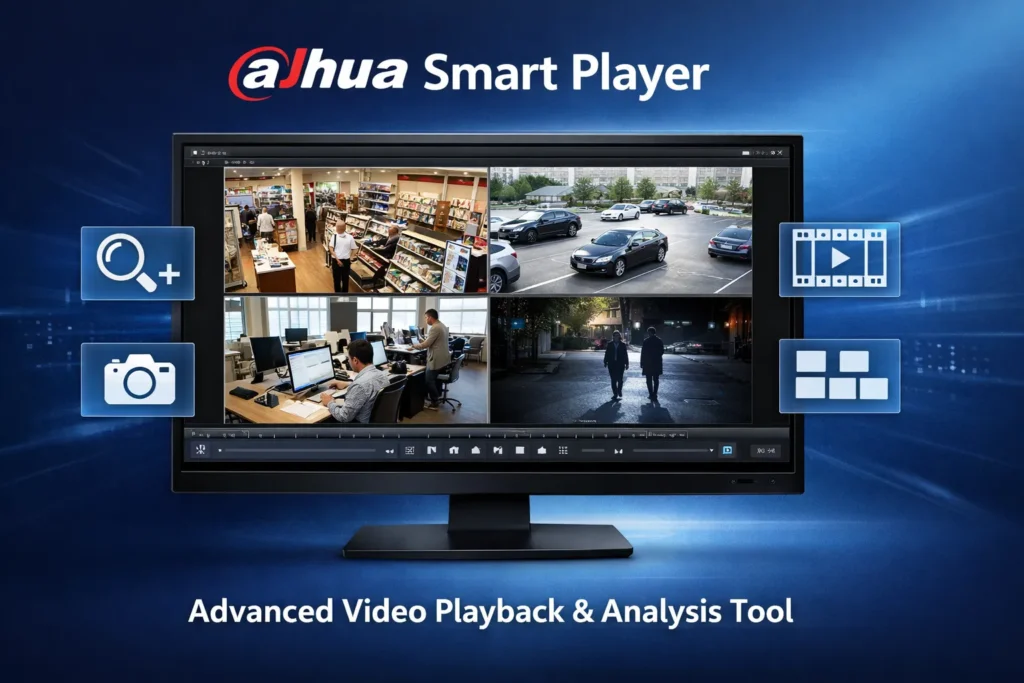
Dahua Smart Player is a dedicated video playback software designed for Dahua recording formats. It is designed and developed by Dahua Technology. It is especially useful for .DAV files.
It helps in the video playback of Dahua devices. The Dahua Smart Player supports video formats generated by Dahua Cameras, DVRs, and NVRs. It is highly advanced and provides features like frame-by-frame analysis, digital zoom, snapshot capture, and synchronized multi-channel viewing.
This player helps analyse even minute details of video footage. It is useful for security personnel who require accurate and precise evidence examinations. Its interface is simple, and its performance is trustworthy.
This Dahua Smart Player is highly user-friendly, and it enables video analysis, event investigation, and effective surveillance.
Key Features
- It supports many video formats, especially plays Dahua video files (.dav)
- It provides users with frame-by-frame playback.
- It helps in snapshot capture and video creation.
- Through the tool, the device-generated videos can be exported easily.
- Timeline navigation.
What Makes It Important
It is especially designed for Dahua CCTV devices. It reads and writes Dahua video files. Normal media players (like VLC) may not support Dahua files properly. This Smart Player ensures smooth playback.
Real Use Case
If you export footage from the DVR and it doesn’t play, then this tool is for you. Use the Smart Player, and your problem is solved easily.
How to Download & Install
It is a 3-step process.
Step 1 – Download Smart Player
Step 2 – Install on your PC. It gets installed in a few minutes.
Step 3 – Open the software
How to Use Dahua Smart Player
It is a user-friendly application. To use this software, follow the suggestions below.
- Open Smart Player
- Click “Open File”
- Select your video file.
- Use playback controls
Pros
- It provides smooth playback.
- It supports all Dahua formats.
- The Player has easy export options.
Cons
- Limited format support
- Basic interface
Complete Guide – Dahua Smart Player
Comparison of Dahua Tools
| Config Tool | Device setup | Ideal for IP camera users |
| Disk Calculator | Storage planning | Ideal for DVR/NVR users |
| Smart Player | Video playback | Ideal for Playback & export |
How These Tools Work Together
Just an easy guide, when to use which tool.
- Use the Config Tool – This tool is used to set up cameras.
- Use Disk Calculator – It helps calculate the device storage.
- Use Smart Player – It supports various video formats. To view recordings, use it.
Together, they complete your CCTV setup.
Useful Tips
- Scan the network before setting up the device.
- A must to plan storage before selecting and installing HDDs.
- Keep all the tools and device firmware updated.
- Use a static IP for a stable connection.
- Combine Config Tool with SmartPSS
- Always export footage with a backup format.
- Test playback before final export.
- Use the Dahua official player for playback.
Avoid These Common Mistakes
- Ignoring storage calculation
- Using the wrong IP settings
- Playing footage in unsupported players
- Skipping device activation
Conclusion
The Dahua Tools for Computers are discussed with their key features, pros and cons. The Dahua Config tool tutorial will guide you on when to use it and how to use it. It will additionally help you suggest its key uses.
The Dahua Disk Calculator will help you accurately calculate the requisite disk space. The Dahua Smart Player will run all the Dahua device-generated video files smoothly.
Kindly share your queries and suggestions in the comment section. We go through all comments and suggest solutions.
Thank You.
What are Dahua Tools?
Dahua Tools are a collection of software utilities designed to help users manage, configure, and analyze Dahua surveillance devices such as DVRs, NVRs, and IP cameras.
Are Dahua Tools free to use?
Yes, Dahua Tools are free and available for download from official sources, making them accessible for both professionals and beginners.
Can Dahua Tools work on all PCs?
Dahua Tools are mainly designed for Windows PCs. Some tools may have limited compatibility with macOS. But Windows is the recommended platform.
Do Dahua Tools require internet access?
No. Many tools can work offline within a local network. Internet access may be required for updates or remote access features.
What is Dahua Config Tool?
Dahua Config Tool is a software utility used to discover, configure, and manage Dahua devices such as IP cameras, DVRs, and NVRs on a local network.
How does Dahua Config Tool find devices?
It scans the local network and automatically detects all connected Dahua devices, displaying their IP addresses, MAC addresses, and status.
Can I change the IP address using the Dahua Config Tool?
Yes, you can easily modify the IP address, subnet mask, and gateway settings of connected devices to match your network.
Is Dahua Config Tool free to use?
Yes, Dahua Config Tool is completely free and available for download from official Dahua sources.
Can I reset device passwords with Dahua Config Tool?
Yes, the tool allows password reset (depending on device model and security settings), which is useful if login credentials are forgotten.
Does Dahua Config Tool support firmware upgrades?
Yes, you can upgrade the firmware of multiple devices directly through the tool, saving time and effort.
Is it safe to use Dahua Config Tool?
Yes, it is safe when downloaded from official sources. For better security, always use strong passwords and keep device firmware updated.
What is Dahua Disk Calculator?
Dahua Disk Calculator is a tool that helps users estimate the storage capacity required for CCTV recording based on camera settings and recording duration.
Why should I use Dahua Disk Calculator?
It helps you plan your surveillance system efficiently by calculating the exact storage needed. It prevents under- or over-purchasing hard drives.
What factors affect storage calculation?
Storage depends on resolution, bitrate, number of cameras, recording hours, compression format, and frame rate.
Can I calculate storage for multiple cameras?
Yes, the tool allows you to input multiple cameras and provides a total storage requirement for the entire system.
Does Dahua Disk Calculator support different recording modes?
Yes, it supports continuous recording, motion detection recording, and scheduled recording options.
Can I use the Dahua Disk Calculator offline?
Yes, once installed, it can be used without an internet connection.
What is Dahua Smart Player?
Dahua Smart Player is a video playback software used to view and analyze recorded surveillance footage from Dahua DVRs, NVRs, and IP cameras.
What video formats does Dahua Smart Player support?
It supports Dahua proprietary formats such as .dav as well as common formats like .mp4 and .avi.
Can I play multiple camera recordings at once?
Yes, it allows synchronized multi-channel playback, enabling you to view footage from multiple cameras simultaneously.
Does Dahua Smart Player support frame-by-frame playback?
Yes, it offers frame-by-frame analysis, which is useful for detailed investigation and evidence review.
Is Dahua Smart Player free to use?
Yes, it is a free tool provided by Dahua for playback and analysis of surveillance recordings.
Is Dahua Smart Player easy for beginners?
Yes, it features a simple and user-friendly interface, making it accessible for both beginners and professionals.
Does Dahua Smart Player require internet access?
No, it works offline for local video playback. Internet is only needed if accessing remote files or updates.

