
Our homes, businesses, offices, and people, as well as our pets, are under CCTV surveillance for security and safety. We need to be connected with our places and people 24 * 7 online and offline.
CCTV Apps make it possible for us. Through them, we add our security surveillance devices and access them along with many other features for remote surveillance. We can monitor them from anywhere, from our PCs or mobile phones.
SuperLive Plus for PC

NVMS Lite for PC
NVMS 1000 for PC
In this post, we will extensively discuss and detail the TVT Software for PC. TVT is a CCTV giant and operates in China. It has over 150 offices in around 80 countries. Its products are available in Asia, the Middle East, Africa, and some European countries.
TVT Software for PC (Trusted CCTV Apps for TVT)
TVT Software for PC is a series of powerful surveillance apps to give the best monitoring solutions to TVT users. They easily connect with the TVT cameras, DVRs, and NVRs for device management , security and surveillance purposes.
TVT Software help users monitor, control, and manage their CCTV systems directly from a computer from any place. Through these CCTV Apps, we get a centralised monitoring solution. The CCTV App is designed and developed for live video feeds, multiple camera monitoring, remote device operation, motion detection, auto tracking, etc.
It empowers users and awakens them from their locations. They feel relieved mentally and are always connected with their properties and people, irrespective of their locations.
Another important feature for these TVT Apps is their compatibility and scalability. TVT Software supports multiple devices and channels, making it ideal for small setups as well as large-scale surveillance systems.
We will discuss the following TVT software here.
Let’s delve into these CMS Apps here.
1 – SuperLive Plus App for PC
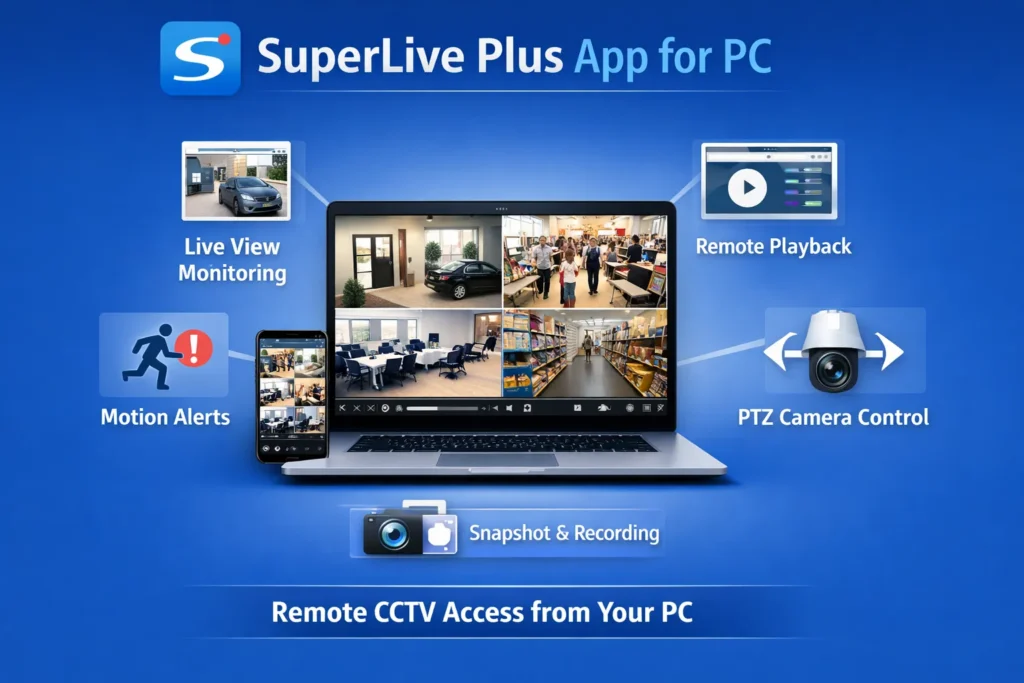
SuperLive Plus for PC App is a trusted CCTV Application for TVT devices. Through ot, users can easily monitor their CCTV cameras remotely using a computer. It is used with TVT DVRs, NVRs, and IP cameras. It is also compatible with some third-party CCTV devices.
This app is ideal for beginners. It is a user-friendly software with a simple interface. It is good for homes, offices, and small businesses. The SuperLive Plus App ensures that users can manage their TVT surveillance systems easily from anywhere.
This Software for PC has features such as live video feeds in real time, remote playback options, device operation, device management, alert notifications, etc.
SuperLive Plus App Key Features
- It provides a real-time live view of multiple cameras on one screen.
- It gives its users a remote playback option of its recorded footage.
- It supports a motion detection feature. Motion detection alerts and notifications keep our locations and people alert from suspicious things.
- PTZ (Pan-Tilt-Zoom) camera control. It supports PTZ features. We can operate them from remote places.
- System owners can check playbacks and take snapshots.
- The SuperLive has a user-friendly interface for easy navigation.
- It supports multiple devices and multiple channels for surveillance.
How is the SuperLive Plus Useful?
It is useful in the following manner.
- Owners can monitor their properties and people remotely from a PC.
- It improves security and surveillance efficiency. Users are safe and secure.
- It auto-tacks and supports motion detection. Get instant alerts for suspicious activity.
- Centralised control of all CCTV devices from one place.
- Save time compared to manual monitoring.
Real Use Case
- Shop owners, businessmen, and homeowners can monitor their places at will from anywhere.
- Warehouses track their inventory movements.
- Schools ensure their student’s safety.
SuperLive Plus TVT Download for PC & Install
- Download the SuperLive App from its official website or from other trusted platforms.
- Install the software on your PC.
- After the installation, wait for completion. You get a completion message when it is properly installed.
- Open the App now for device addition and monitoring.
How to Use It
- Open the app on your PC.
- Add a device using the IP address, domain, or QR code of the device.
- Enter the device username and password.
- When the device is added, start live viewing of cameras.
- Access playback for recorded videos.
- Configure alerts and settings as needed.
Pros
- This SuperLive Software is free to use
- Easy setup and navigation. The interface is simple, and the app is user-friendly.
- Supports multiple devices.
- Access the TVT devices remotely via the app.
- Real-time monitoring and alerts
Cons
- Limited advanced analytics features
- Not suitable for professional users.
- Occasional connectivity issues.
- The interface may feel basic to advanced users.
Complete Guide – SuperLive Plus App for PC
2 – NVMS Lite for PC– Software for TVT
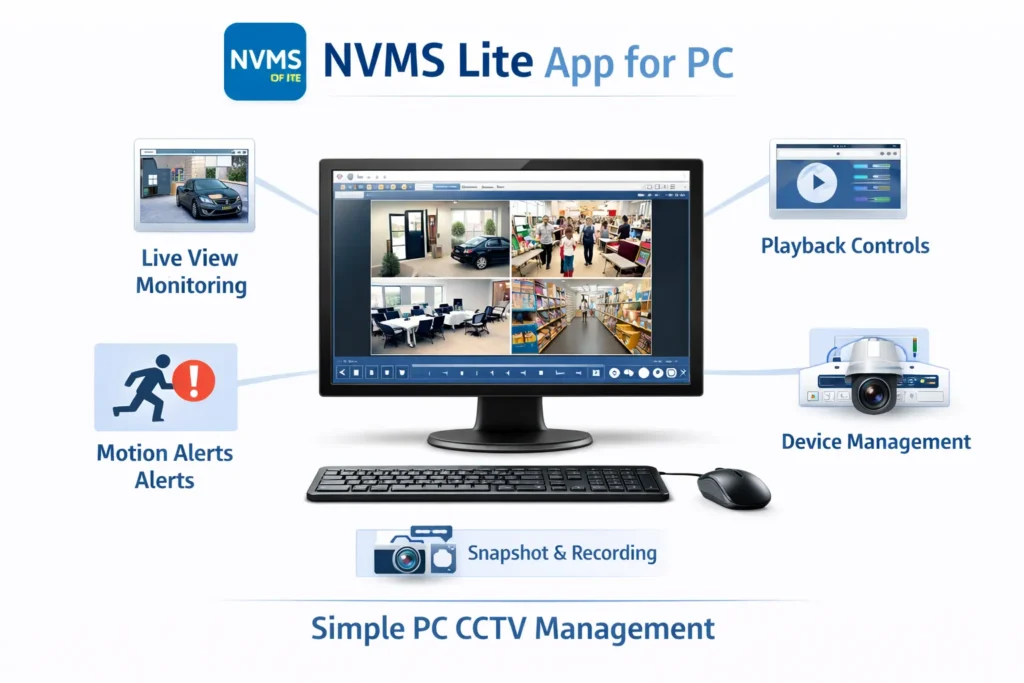
NVMS Lite is another powerful TVT software designed for monitoring and controlling CCTV systems directly from a computer. It is a video management app which is extremely lightweight.
The NVMS Lite Software adds devices like IP cameras, NVRs, and DVRs. It gives centralised monitoring through our PCs. NVMS Lite offers features like real-time live viewing, device operation, TVT system settings, PTZ control, playback, and device management.
This application is ideal for homes and business security.
The NVMS Lite For PC App has a simple interface and stable performance. It enables TVT device users to arrange and manage multiple cameras, DVRs, and NVRs. System owners can access their sites and locations on PCs from anywhere.
NVMS Lite CMS Key Features
- It provides viewers with a live view of multiple cameras at a time from anywhere.
- Users can access playbacks of recordings from their locations.
- It gives camera, NVR, or DVR resetting options to users from anywhere.
- It detects motion and issues alert signals, sensing threats.
- PTZ camera complete control from anywhere.
- It supports multi-channel and multi-device features.
- The NVMS Lite App interface is simple, and users can understand and operate its features easily.
Why We Require NVMS Lite App
- It is highly useful. It provides us with centralised CCTV monitoring on a PC.
- It gives us enhanced security and surveillance control.
- The app provides us with easy access to live and recorded footage.
- Through the NVMS Lite app, we can efficiently manage multiple devices.
- Auto tracks objects and detects suspicious movements. It gives real-time alerts for suspicious activities.
Real Use Case for the NVMS Lite
- Through the NVMS Lite, business owners monitor office security.
- Through the NVMS Lite, retail stores track customer activity.
- Through the NVMS Lite, home users can check security from anywhere.
- Through the NVMS Lite, warehouses supervise logistics operations.
- Through the NVMS Lite, schools and institutions ensure safety.
How to Download & Install the NVMS Lite CMS
- Visit the TVT official website. Then find the NVMS Lite App.
- Download NVMS Lite for PC. Windows version for Windows OS.
- Run the setup file on your PC.
- Follow the installation instructions, and it will be installed easily.
- Now, you can add your DVR/NVR or IP camera details.
How to Use It
- Open NVMS Lite on your PC to add devices.
- Add device using IP address, QR code or cloud ID.
- After that, enter the device login credentials.
- Now, you can access live feeds of cameras on the screen. You can remotely access them on PCs.
Pros
- The software is extremely lightweight and fast.
- It is easy to install. Takes only a few minutes to load and use.
- It supports users in accessing multiple cameras.
- It is free software for basic use. Users don’t have to purchase it.
- It is good for small to medium setups.
Cons
- Its interface is simple, and beginners can easily operate the app.
- Only compatible with the TVT brand.
- Not ideal for if you have lower configuration PC.
Complete Guide – NVMS Lite for PC
3 – NVMS 1000 for PC – PC Software for TVT
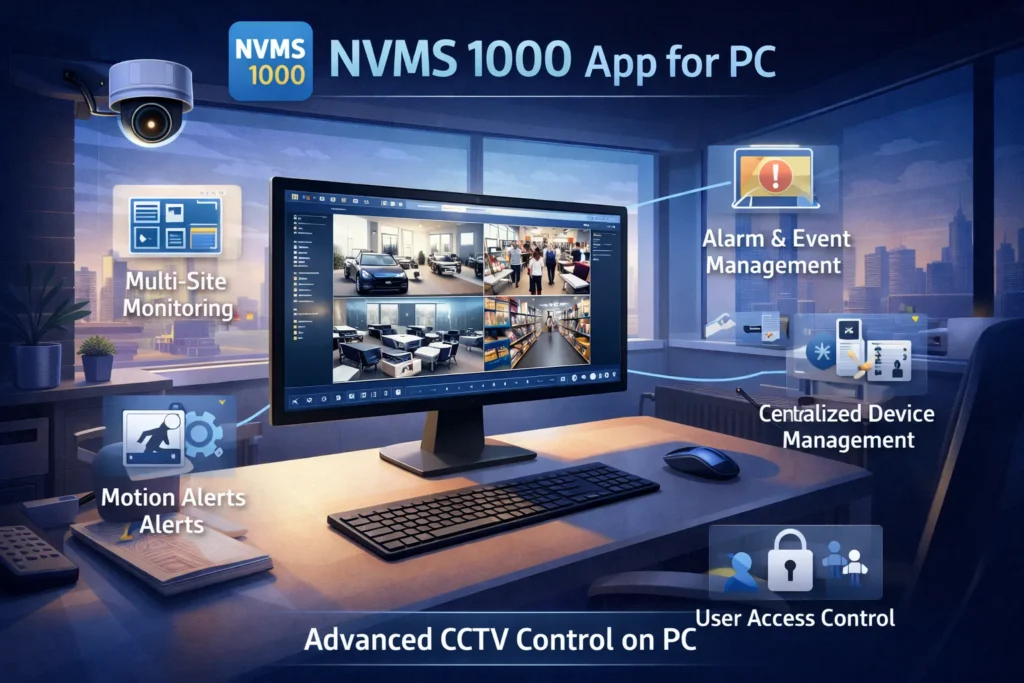
This NVMS 1000 for PC CCTV Software is an advanced and effective surveillance app for PCs. It is designed and developed by the TVT for professional users. This app connects with the TVT IP cameras, NVRs, or DVRs.
It provides users with centralised monitoring of computers. It is an effective solution for large to medium-scale CCTV projects. The NVMS 1000 offers features like live view, playback, device configuration, and alert notifications.
Its user interface is powerful and suitable for enterprise-level performance. Users can monitor their locations, areas, and people on PCs in real-time from remote places. It supports multiple accounts, allowing for simultaneous monitoring from different locations.
NVMS 1000 App Key Features
- This NVMS 1000 provides users with a live view with a multi-screen display.
- The application allows playbacks of recorded footage from remote locations.
- It gives centralised monitoring. Different locations can be accessed and monitored from the same place.
- The app gives alert notifications detecting suspicious activities.
- Supports features like panning, tilting and zooming.
- It gives multi-device and multi-location monitoring.
- The NVMS 1000 app allows multi-channel monitoring.
Why We Need It
- It is highly useful for managing and monitoring large scale CCTV systems from one PC.
- This app is great for professional-grade monitoring.
- It receives real-time alerts for security events.
Real Use Case
The NVMS 1000 CMS is extensively used for shopping malls, offices, business units, factories, warehouses, and institutions.
How to Download & Install the NVMS 1000 App
- Visit the official TVT website and search for the NVMS 1000.
- Download NVMS 1000 for Windows.
- After that, install the app.
- When the app is installed, add the CCTV devices.
How to Use It
- Open the NVMS 1000 App on your Windows PC.
- After that, add the DVR, NVR, or IP camera through their QR codes, Device Serial Number, or IP Address.
- Log in with the device username and password.
- Start live viewing of cameras on the computer. You can also check recordings and operate devices through the NVMS 1000.
Pros
- This app is suitable for old firmware surveillance.
- It has advanced features. It manages and controls large-scale setups.
- It supports multiple users and permissions.
- It provides reliable performance for continuous monitoring.
- The app gives a centralised management system.
Cons
- The app is only for TVT’s old versions DVR/NVR.
- It requires an advanced PC for the best performance.
- The interface is not simple.
- It has limited compatibility with non-supported brands.
Complete Guide – NVMS 1000 for PC
App Comparison for users
| SuperLive Plus | NVMS Lite | NVMS 1000 |
| For Cloud NVR | Cloud and Commercial | For Old DVR/NVR |
| Quick remote monitoring | Small setups | Support Old and some new systems |
| Very easy (basic users) | Professionals | Intermediate to advanced |
| Limited Device Support | Almost all DVRs/NVRs | Supports many devices & locations |
| Home, small office | For Factories and large sites | Where outdated setups |
Useful Tips for the TVT Software App For PC
Always remember these tips.
- Always use strong usernames and passwords for safety and security.
- Update software and firmware regularly for better performance.
- Keep your device settings up to date for optimum use.
- Use a wired internet connection for seamless connectivity.
- Store data for enhanced security.
- Schedule regular backup plans.
- The motion detection feature detects suspicious activities. Enable the motion detection feature.
Some Common Mistakes to Avoid
- Use a strong password.
- Update devices regularly.
- Keep the backup atleast for 15 days.
- Use the settings feature to use devices properly.
Conclusion
The TVT Software is detailed here in this post. We have discussed and illustrated TVT Apps like the SuperLive Plus, the NVMS Lite, and the NVMS 1000. We have discussed all their features and functions. Their usage, pros and cons are all elaborated.
You can easily use them by following the full guidance. Click the complete guidance for these respective Cms Apps.
Also, kindly share your queries and suggestions through comments. We encourage our visitors to ask questions regarding CCTV topics. We respond to all our visitors.
Thank You.
What is the SuperLive Plus App?
SuperLive Plus is a CCTV monitoring app that allows users to view live camera feeds, playback recordings, and control security devices remotely.
Can I watch live CCTV footage on the SuperLive Plus app?
Yes, the app supports real-time live view streaming of connected cameras from anywhere via internet.
Does SuperLive Plus support playback of recordings?
Yes, it includes a remote playback feature that lets you view previously recorded footage stored on DVR/NVR devices.
Can multiple users access the same CCTV system via the SuperLive Plus?
Yes, the app supports device sharing, allowing multiple users to view the same cameras with proper permissions.
Does the SuperLive app send motion detection alerts?
Yes, the app supports device sharing, allowing multiple users to view the same cameras with proper permissions.
What are the common issues users face with the app?
Some users report connection errors or offline devices, playback limitations, and occasional app crashes after updates.
What is NVMS Lite for PC App?
NVMS Lite is a video management software (VMS) designed for Windows PCs that allows users to monitor, manage, and control CCTV cameras, DVRs, and NVRs from one user interface.
Which operating systems support NVMS Lite?
NVMS Lite is mainly designed for Windows (Windows 7, 8, 10, and 11) systems and requires basic hardware like a decent CPU and at least 4GB RAM.
What features does NVMS Lite provide?
Its key features include live video monitoring, remote playback, recording and download, alarm notifications, and multi-device management.
Can NVMS Lite connect to different CCTV brands?
Yes, NVMS Lite supports multiple brands and protocols (like ONVIF), allowing connection with various cameras and recorders, not just one brand
Does NVMS Lite support live view on PC?
Yes, it supports real-time live viewing with multi-screen layouts, allowing you to monitor multiple cameras simultaneously.
Is NVMS Lite suitable for large projects?
NVMS Lite is mainly designed for small to large-sized surveillance setups, such as homes, shops, offices, and small businesses.
What is NVMS 1000 for PC?
NVMS 1000 is a video management software (VMS) used to monitor and control CCTV cameras, DVRs, and NVRs from a Windows PC.
Who developed NVMS 1000?
It is developed by COP-USA, Inc., a company specializing in surveillance solutions.
Which operating systems support NVMS 1000?
It supports Windows XP, Vista, 7, 8, 10, and Windows 11 systems, though compatibility may vary.
Can I watch live CCTV footage on NVMS 1000?
Yes, it allows real-time live viewing of multiple cameras from a centralized interface.
How do I add devices in NVMS 1000?
Go to the Device section, then add DVR/NVR manually by entering the IP address, port, username, and password.
Can NVMS 1000 manage multiple cameras?
Yes, it can manage multiple cameras and devices simultaneously in one dashboard.

