
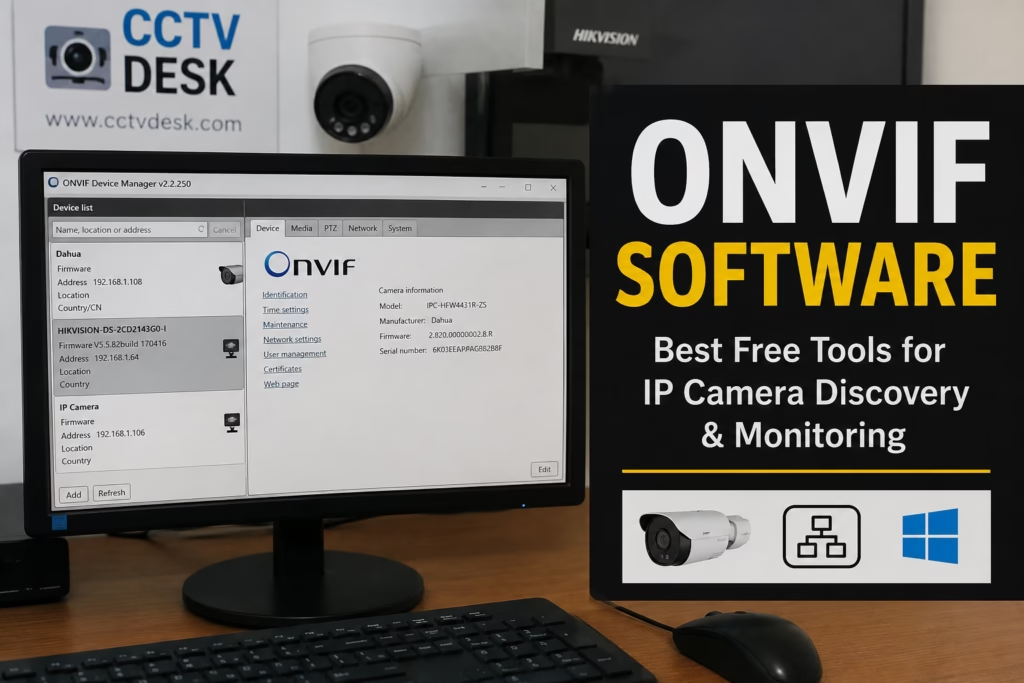
If you’ve got ONVIF IP camera software installed on your PC, you can hook up an IP camera or NVR from pretty much any brand and watch the live feed—as long as the device supports the ONVIF protocol. That’s why good ONVIF software is such a big deal: it completely gets rid of brand lock-in.
With ONVIF software, you don’t need to clutter your PC with a dozen different apps for every camera brand you own. Just use one single tool to connect all your cameras and NVRs—whether it’s Dahua, Hikvision, TVT, TP-Link, UNV, or anything else that supports ONVIF. From there, you can watch live feeds, check playback, and get motion alerts all in one place.
In this guide, we’re breaking down the top 10 free ONVIF camera software and tools for 2026. We’ll look at which software works best for your setup and why—so whether you need simple live feeds, 24/7 recording, or just a quick tool to find cameras on your network, you can pick the right one.
ONVIF (short for Open Network Video Interface Forum) is basically a universal language for security gear. It lets IP cameras, NVRs, and video software from completely different brands talk to each other seamlessly.
What Is ONVIF Software?
Instead of getting trapped in a single brand’s ecosystem, ONVIF gives you the freedom to mix and match your setup:
- Hikvision camera + third-party NVR
- Dahua camera + ONVIF client
- Reolink camera + ONVIF viewer
- Uniview camera + VMS software
As long as the devices support ONVIF, they’ll play nice together without any brand lock-in holding you back.
Quick Comparison Table of ONVIF Software & Tools
| Software Name | Best Use Case | Free Limit | User Interface |
|---|---|---|---|
| ONVIF Device Manager | IP Discovery & Technical Audits | Unlimited | Utility / Technical |
| Agent DVR (iSpy) | Modern AI VMS & Recording | Unlimited (Local) | Web Browser UI |
| Dahua SmartPSS | Multi-Camera Live Grid View | Unlimited | Professional |
| Xeoma (Free Edition) | Modular AI Security Workflows | Up to 4 Cams | Modular / Drag-&-Drop |
| IP Camera Viewer | Lightweight Live Monitoring | Up to 4 Cams | Clean & Simple |
| ContaCam | Low-Resource 24/7 NVR | Unlimited | Classic Lightweight |
| Netcam Studio | Home Security & Alerts | Up to 2 Cams | Modern Windows UI |
| Hikvision iVMS-4200 | Enterprise Client & Control | Unlimited | Feature-Rich |
| SuperLive Plus | Non-Commercial Enterprise | Up to 128 Ch. | NVR/IP Camera |
| VLC Media Player | Quick RTSP Verification | Single Stream | Media Player |
Top 10 Free ONVIF IP Camera Softwares & Tools for PC
In this guide, we break down exactly what each ONVIF tool can do and why it might be the right fit for your setup. Plus, we’ve included safe, direct download links for every software listed so you can get up and running risk-free.
1. ONVIF Device Manager (ODM)
Best for IP Discovery & AuditsONVIF Device Manager (ODM) is probably the most popular free tool out there for finding ONVIF cameras on your local network. It automatically scans for connected gear and pulls up all the key details—making it an absolute must-have for technicians and installers.
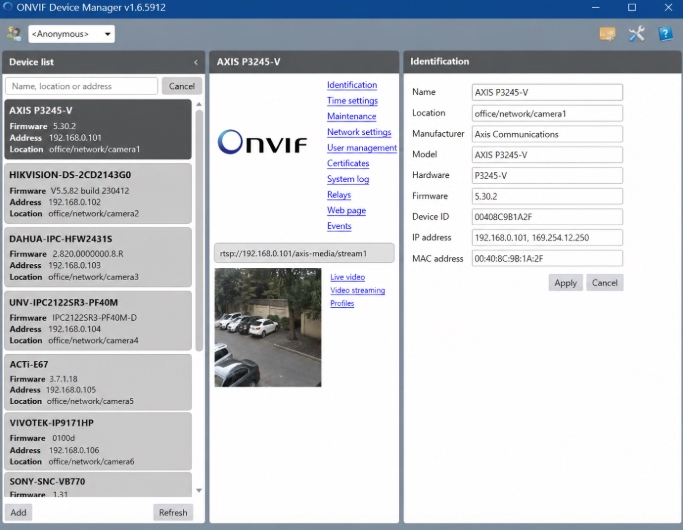
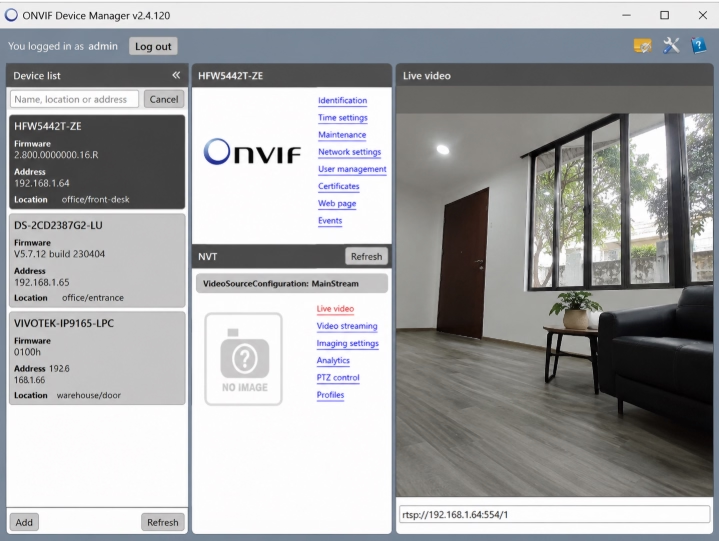
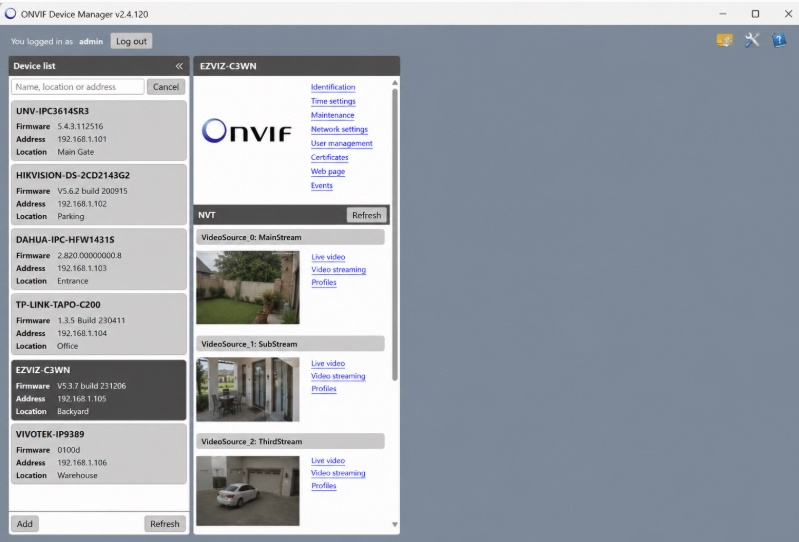
- Instant automatic WS-Discovery for ONVIF-compliant devices on the local subnet.
- Displays live video streams, audio, and PTZ (Pan-Tilt-Zoom) controls.
- Allows modifications to network settings, IP addresses, NTP time sync, and credentials.
- Pulls raw RTSP URLs and profile parameters for 3rd-party integration.
2. Agent DVR (by iSpy)
Best Overall VMSAgent DVR is way more than just a basic camera scanner—it’s a full-on security management platform. While simple ONVIF tools only locate devices on your network, Agent DVR handles the heavy lifting like recording footage, tracking motion, firing off alerts, and letting you check your feeds remotely.
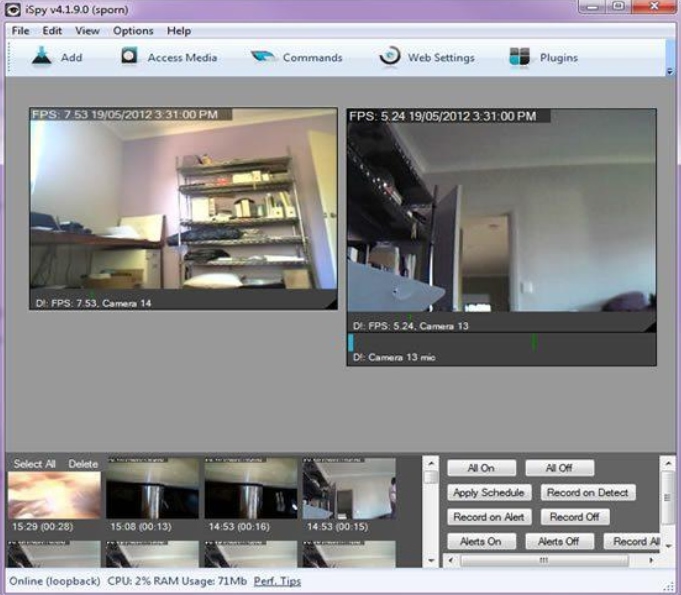
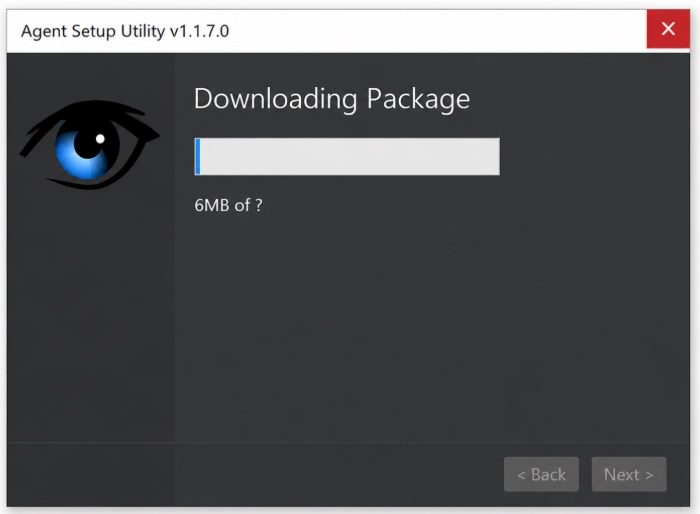
- Web-based UI accessible from any browser without installing plugins.
- AI-assisted Motion Detection, Object Classification, and Smart Alerts.
- Full support for ONVIF Profiles S, G, and T.
- Granular recording schedules, cloud backups, and custom triggers.
3. Dahua SmartPSS
Best for Multi-Camera GridDahua Smart PSS is a heavy-duty video management platform that isn’t just limited to Dahua gear—it plays nice with third-party ONVIF cameras, too. You can bring ONVIF cameras from different brands into a single dashboard, giving you total control over live feeds, playback, recordings, and device settings all in one place.
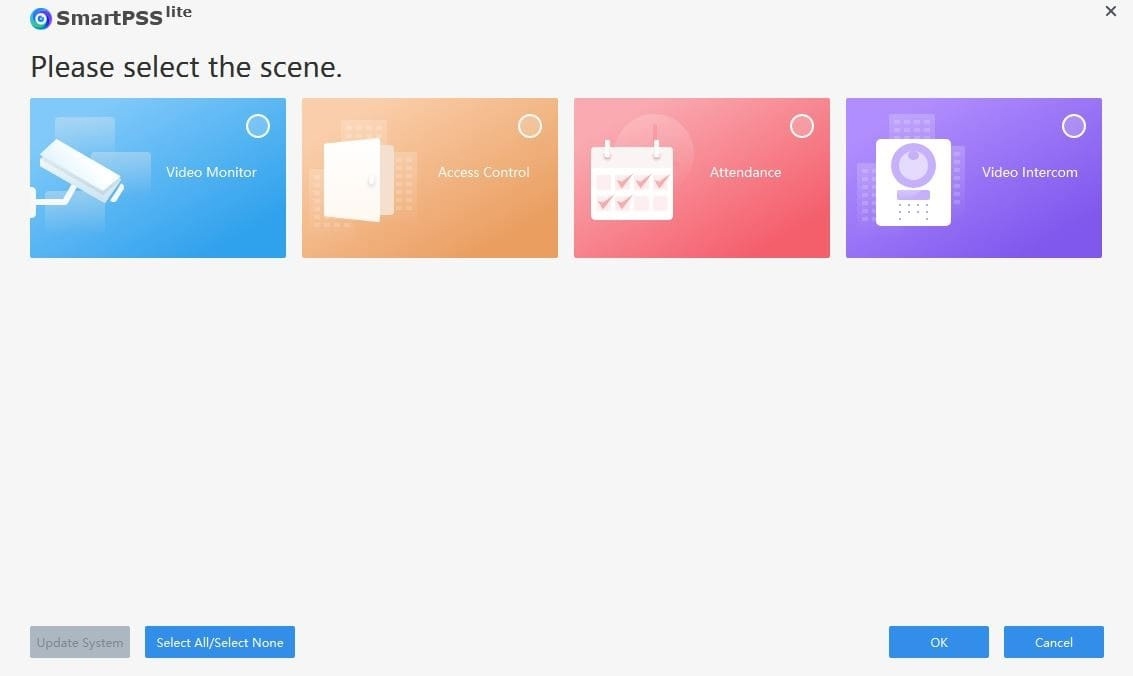
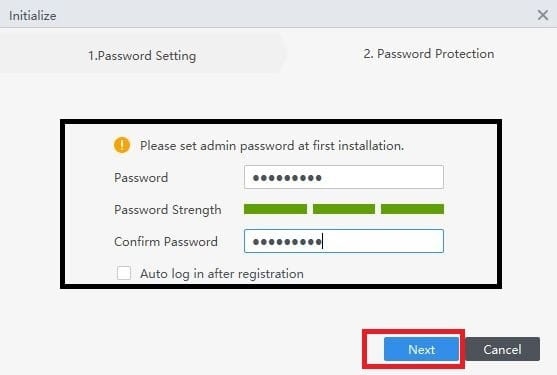
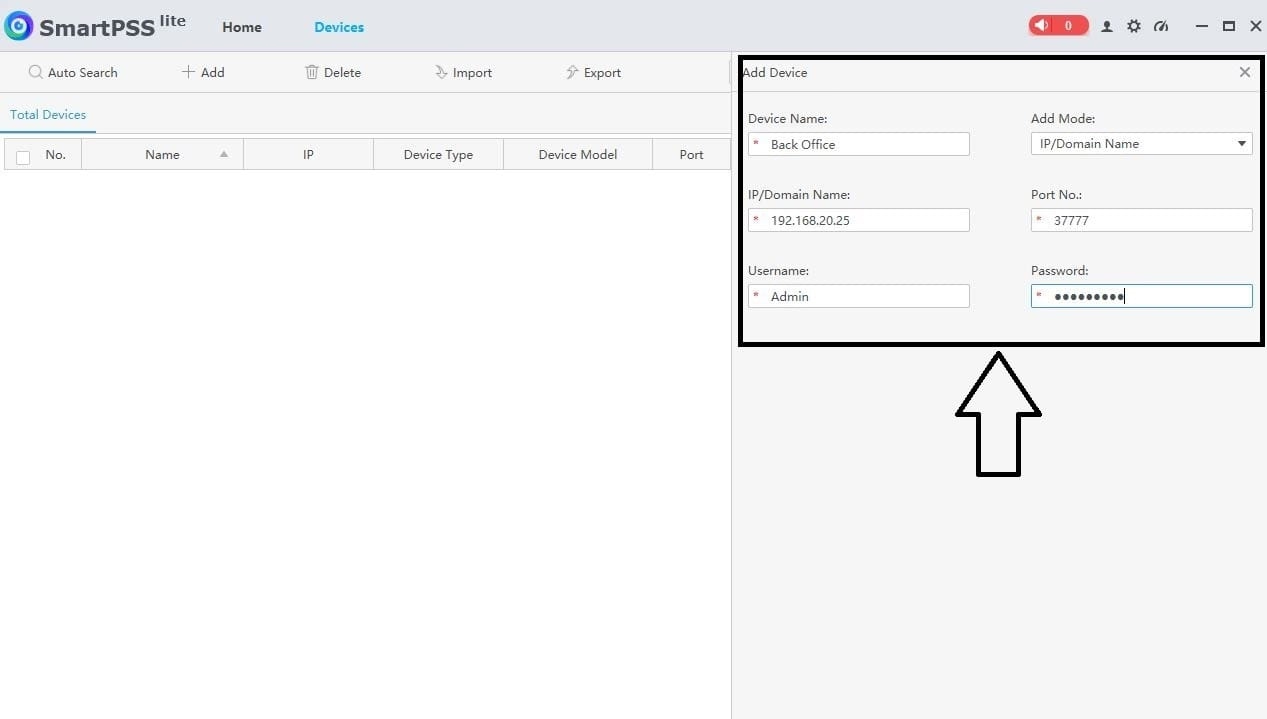
- Multi-monitor grid support with up to 64 simultaneous camera views.
- Local PC recording, synchronous video playback, and snapshots.
- E-Map integration to map out camera placements on floor plans.
4. Xeoma (Free Edition)
Best Modular UIXeoma is a super flexible video management platform that works seamlessly with ONVIF-compatible IP cameras. It lets you pull in cameras from different brands into a single hub, making it easy to watch live feeds, set up recordings, review playback, and manage all your settings from one place.
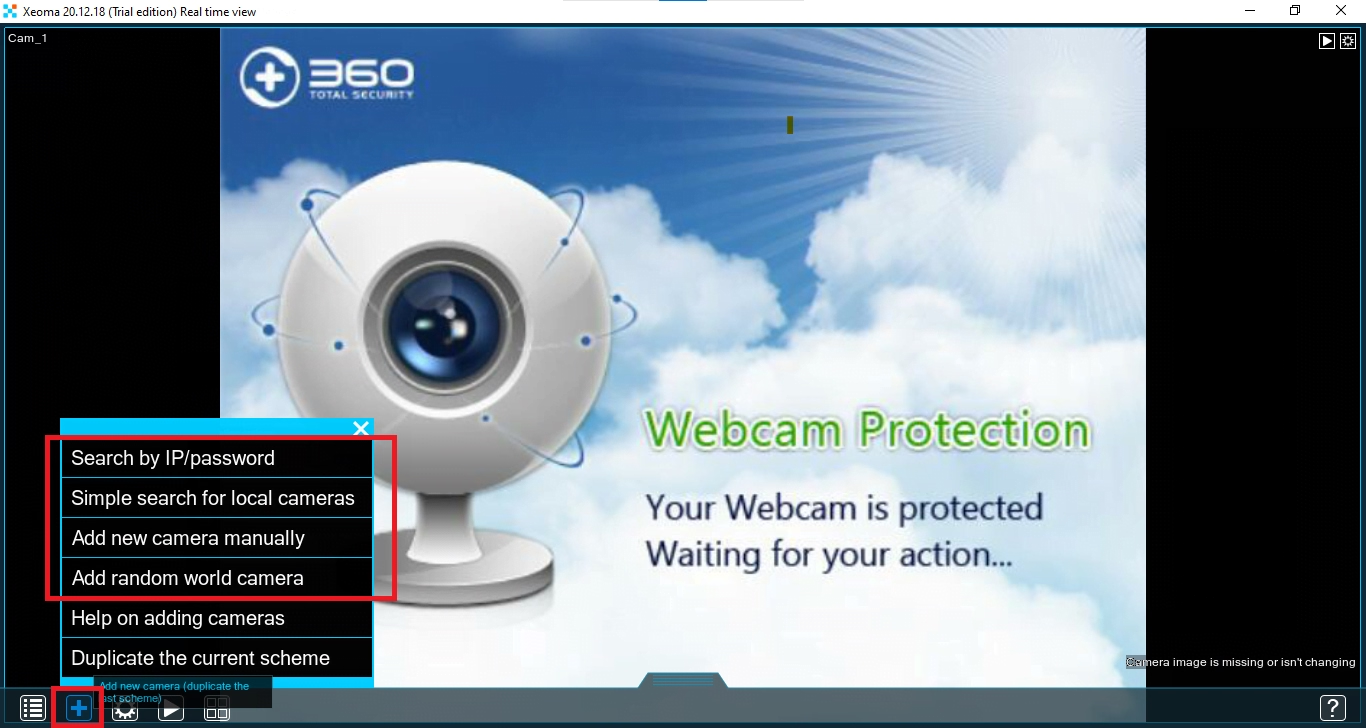
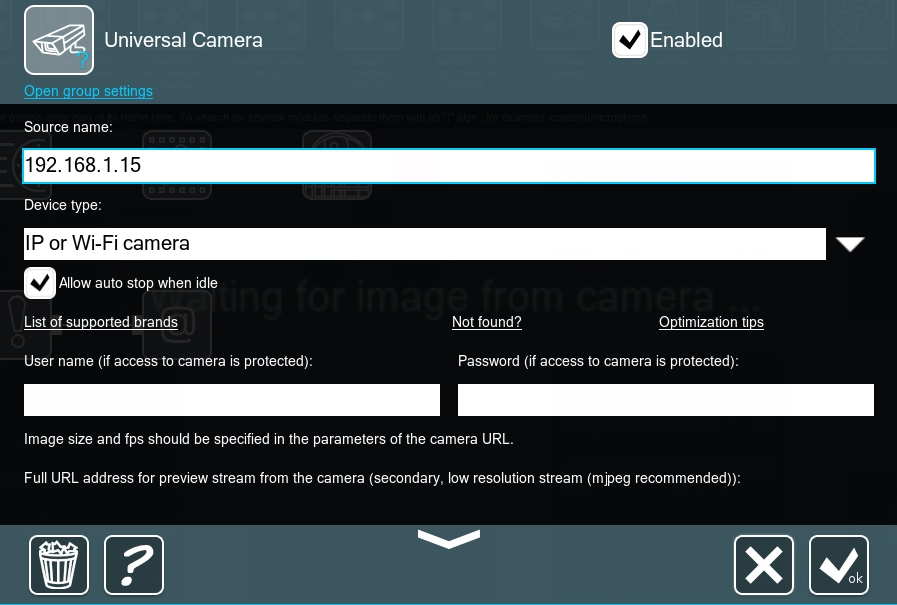
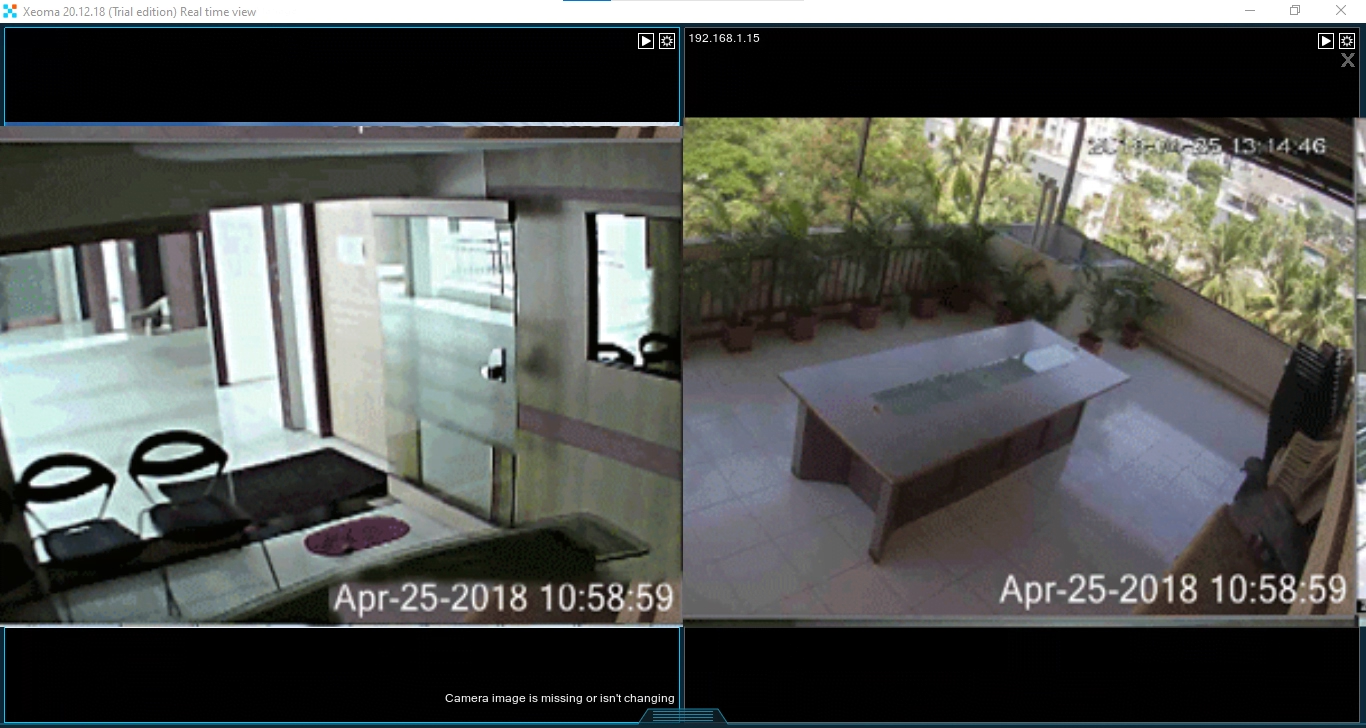
- Automatic ONVIF device auto-discovery.
- Modular node architecture for custom video pipelines.
- Low CPU footprint across Windows systems.
5. DeskShare IP Camera Viewer
Best Simple MonitorDeskShare IP Camera Viewer is a free, lightweight tool that plays great with both ONVIF and RTSP cameras. It lets you pull feeds from different camera brands onto a single screen so you can keep an eye on your live feeds with zero fuss
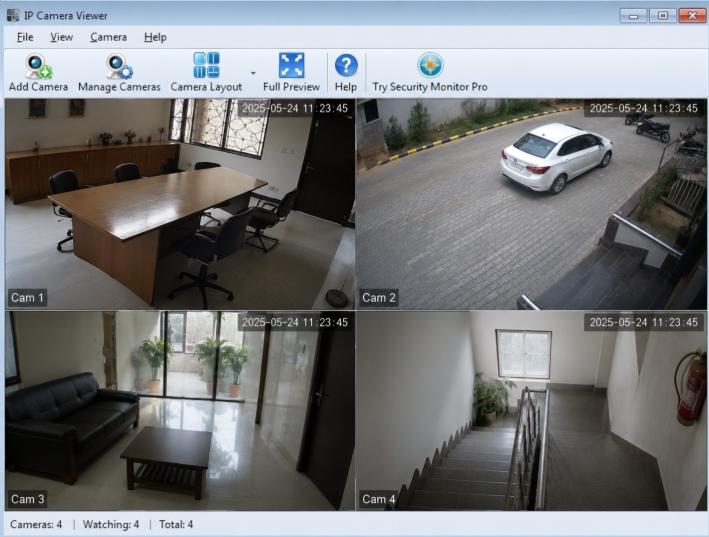
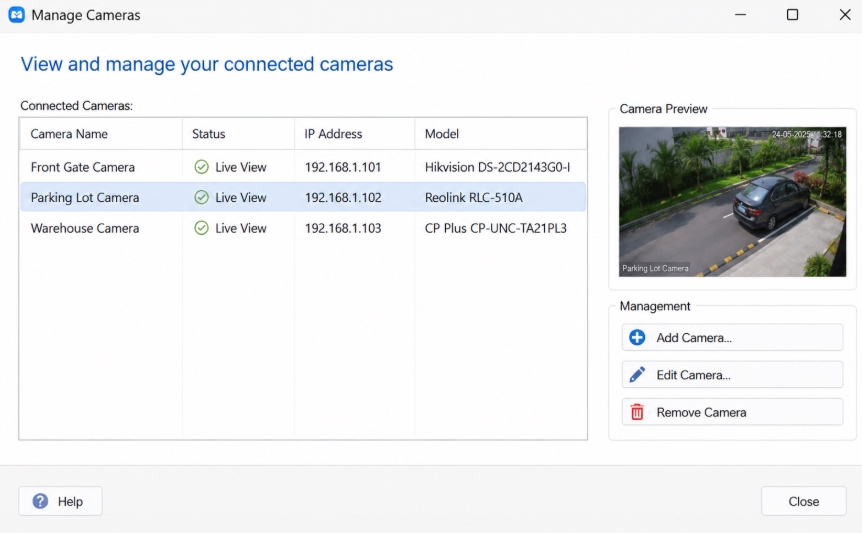
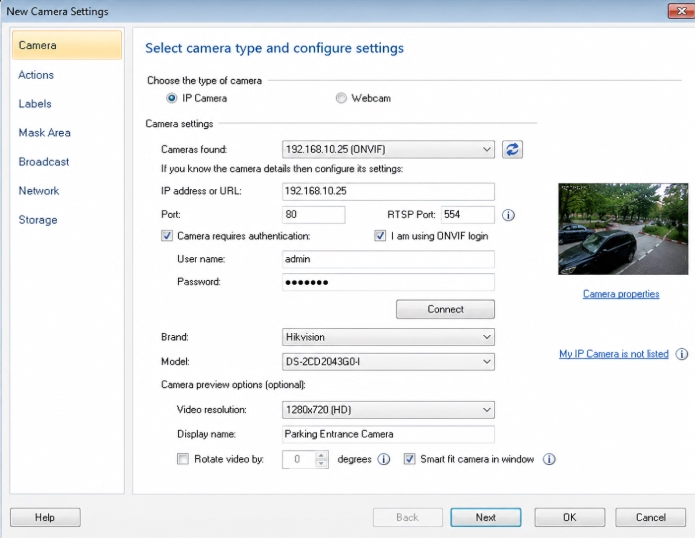
- Native support for ONVIF protocol and 2,000+ camera models.
- Simultaneous live preview for up to 4 camera feeds.
- Independent controls for frame rates and orientation.
6. ContaCam
Best for Legacy HardwareContaCam is a free security and webcam app that works seamlessly with ONVIF-compatible IP cameras. You can hook up a single camera or a whole setup to your PC, making it super easy to stream live video, record footage, set up motion detection, and monitor your feeds remotely.
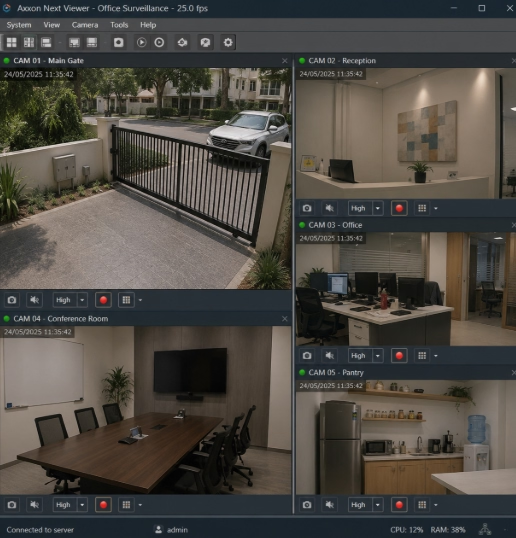
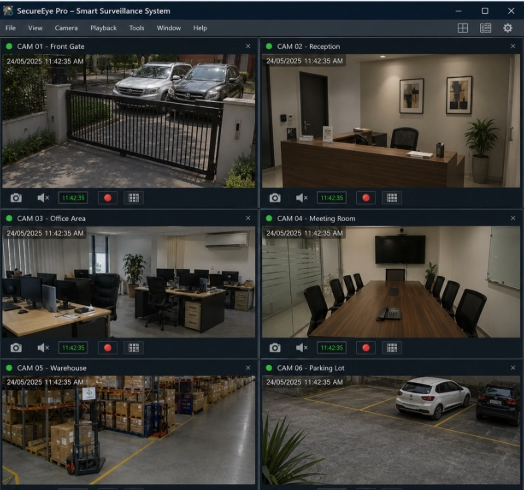
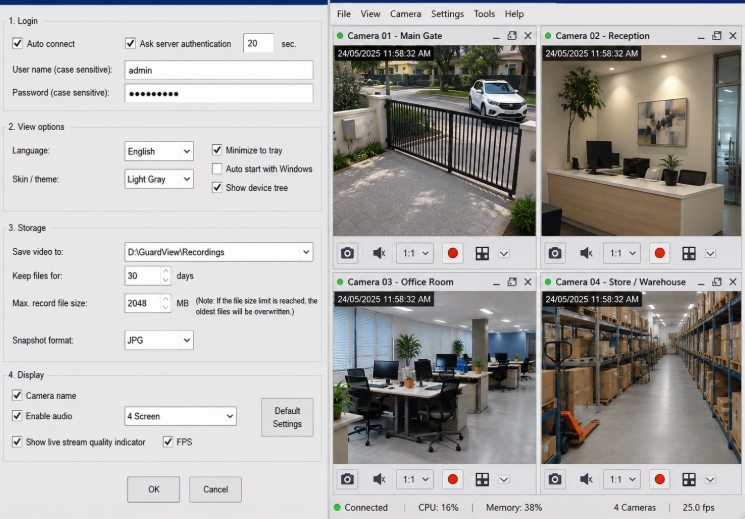
- 24/7 continuous recording and motion-triggered event recording.
- Integrated web server for reviewing footage via browser.
- Extremely low CPU and RAM consumption.
7. Netcam Studio
Best Modern Home UINetcam Studio is a feature-packed security app that works like a charm with ONVIF-compatible IP cameras. It brings all your cameras into a single dashboard so you can handle live monitoring, motion alerts, recordings, and remote access all from one spot.
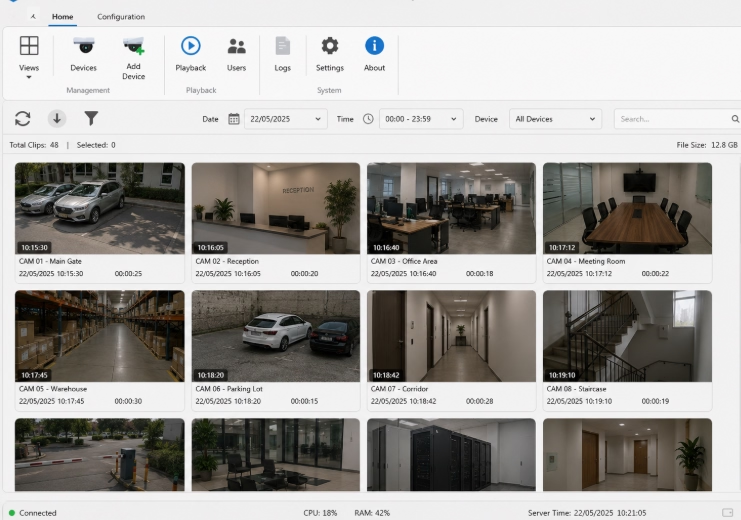
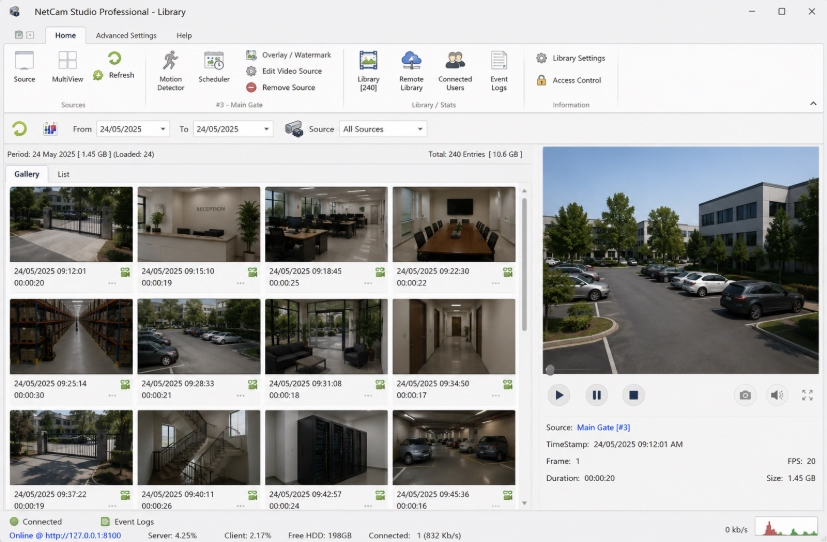
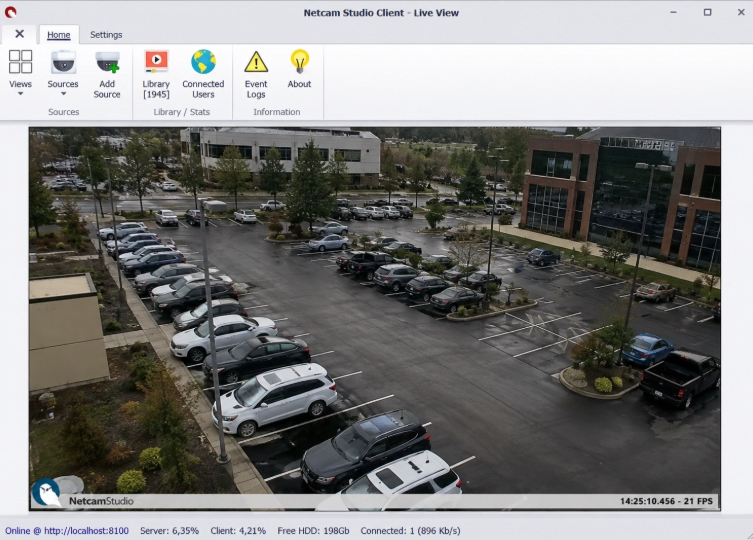
- Native ONVIF auto-detection with quick camera pairing.
- Motion detection with email, push, and SMS notification triggers.
- Integrated web client and mobile companion app support.
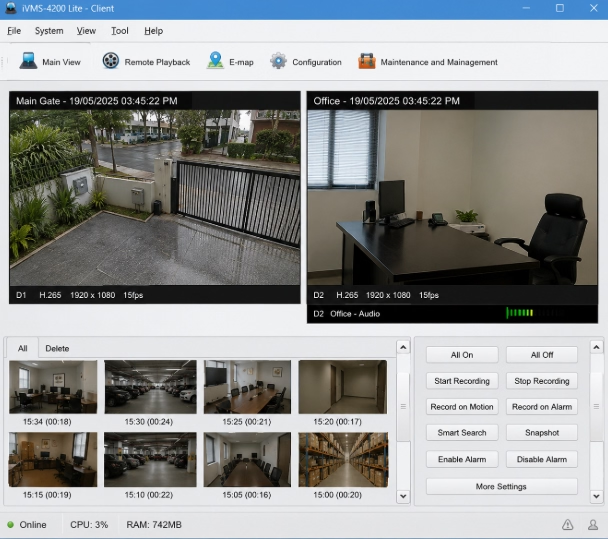
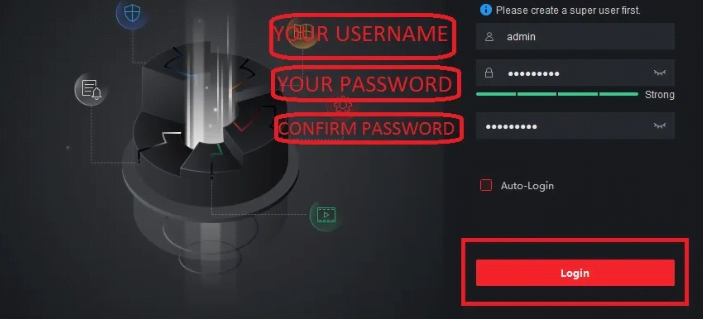
8. Hikvision iVMS-4200
Best Enterprise ClientHikvision iVMS-4200 is a full-featured video management platform built primarily for Hikvision gear, but it can also handle basic ONVIF integration for third-party cameras. It gives you a single interface to manage live feeds, review playback, trigger recordings, and control your security setup without needing separate tools.
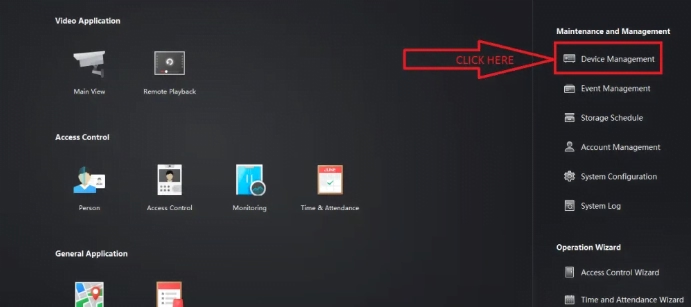
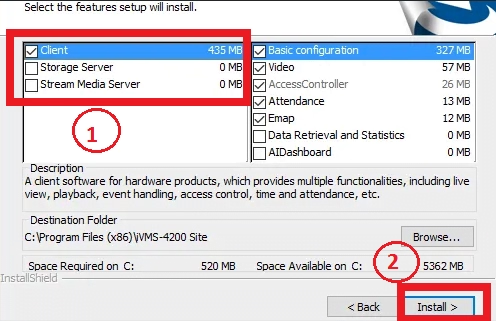
- Comprehensive dual-stream management (sub-stream/main-stream).
- Customizable multi-monitor viewing and playback layouts.
- Advanced event filtering, alarm management, and logs.
9. SuperLive Plus
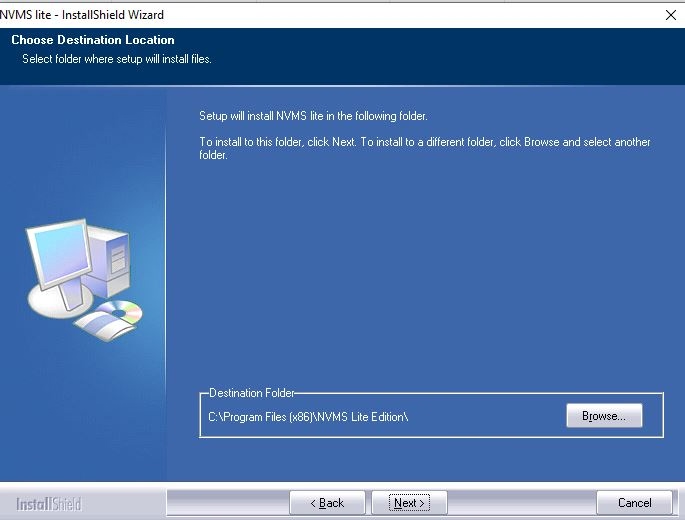
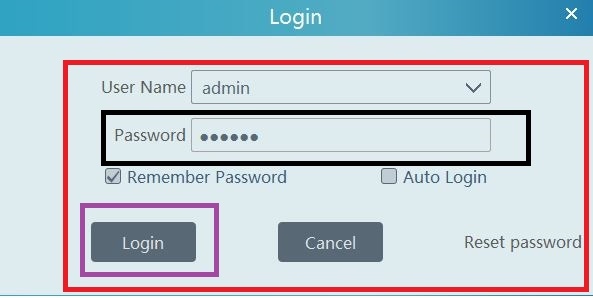
Best Advanced FeaturesSuperLive Plus is a free CCTV monitoring tool that works seamlessly with various ONVIF-compatible IP cameras as well as supported DVRs and NVRs. It lets you stream live video, pull up past recordings, and easily manage your entire security setup right from your computer.
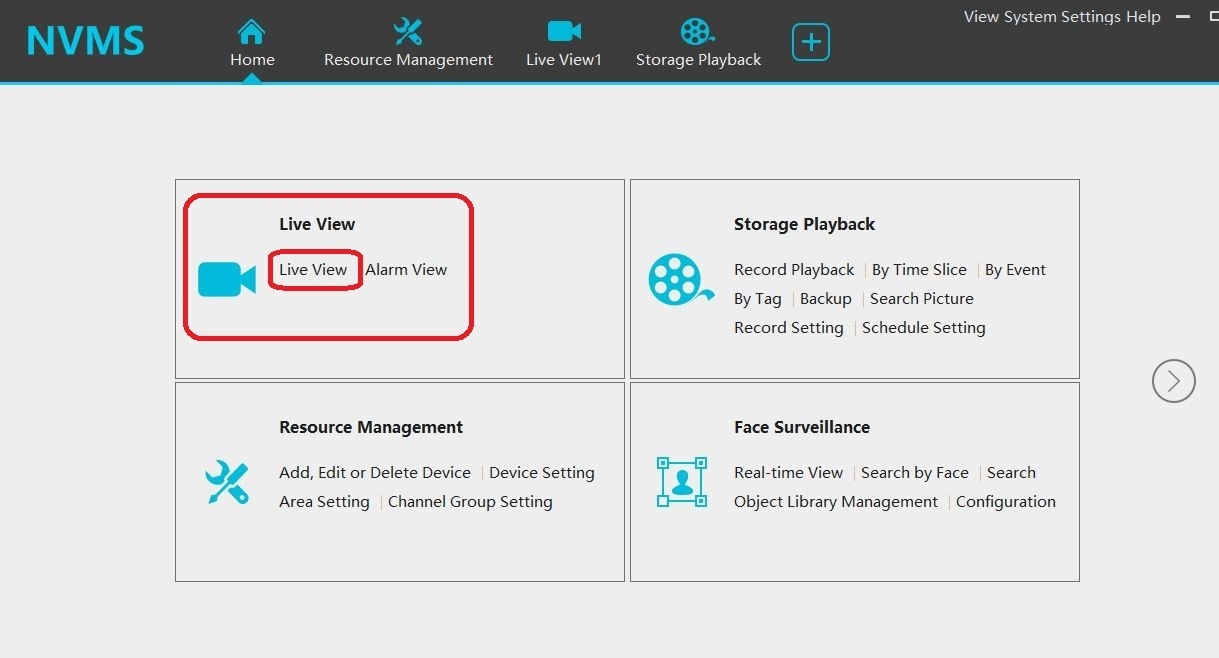
- Supports up to 128 free ONVIF channels for personal use.
- Intelligent sub-stream management to optimize PC memory and bandwidth.
- Advanced PTZ tour pattern scheduling and preset controls.
10. VLC Media Player
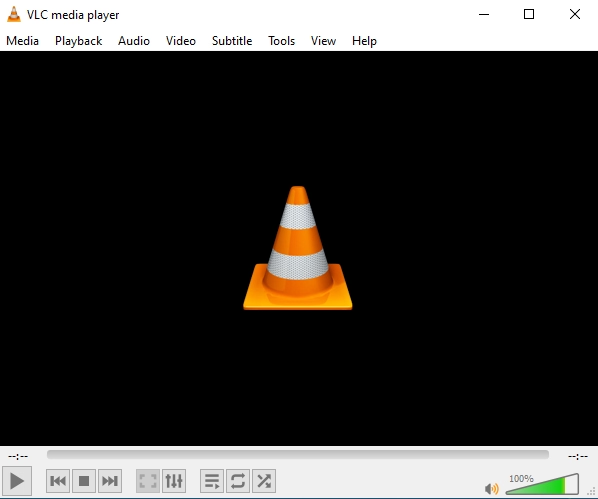
Best Quick Stream TesterMost people know VLC Media Player for watching movies, but it’s actually a great hidden gem for checking live ONVIF and RTSP camera feeds. It lets you quickly pull up an IP camera’s network stream right on your PC—no heavy VMS or dedicated CCTV software required.
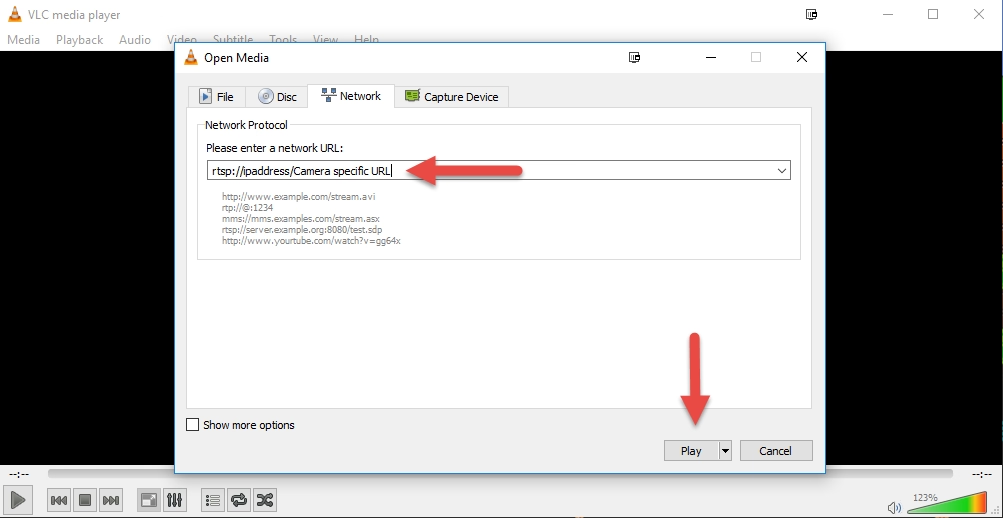
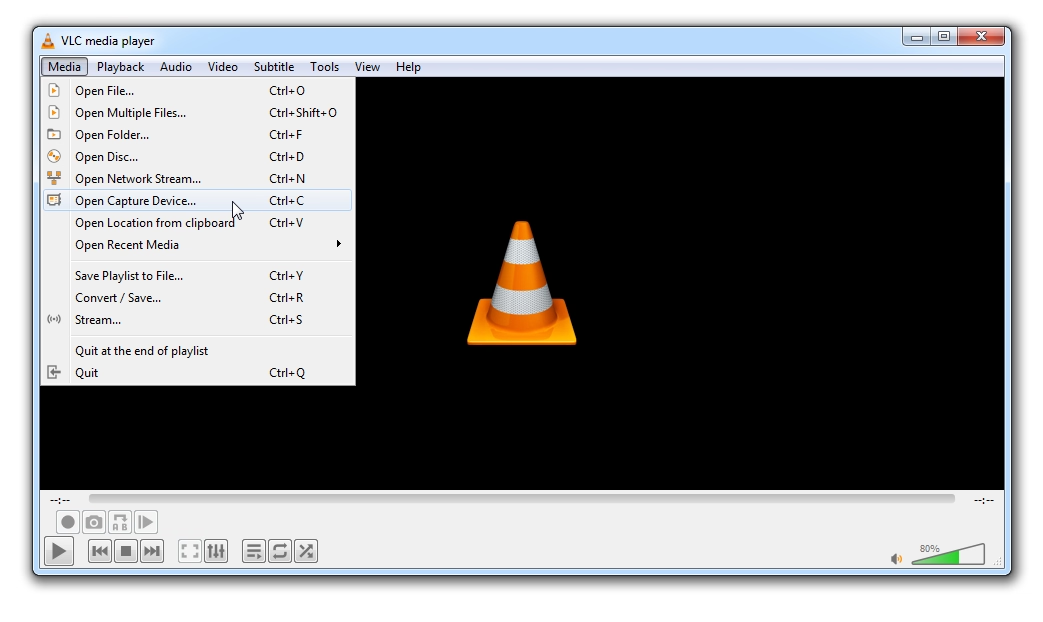
- Instant playback of direct Network Streams (`rtsp://`).
- On-the-fly local video recording and snapshot generation.
- Pre-installed on millions of PCs with zero extra setup.
Conclusion
Choosing the best ONVIF software really boils down to how you plan to use your cameras. If you just need to detect IP addresses and tweak basic settings, a lightweight tool like ONVIF Device Manager gets the job done fast. But if you want full security management—with 24/7 recording, motion alerts, and remote streaming—feature-rich platforms like Agent DVR, iSpy, or SmartPSS are built for the heavy lifting.
Quick Tip Before You Download: Make sure your IP camera is actually ONVIF-compliant and connected to the exact same local network as your PC. Also, keeping both your camera’s firmware and software updated is the easiest way to avoid annoying connection drops.
