
📥 Verified & Secure Software Download
CCTV Software for PC: Setup & Troubleshooting
Having trouble running CCTV software on your PC? Check these common requirements before installing or using a DVR, NVR, or IP camera client.
Choose the Right CCTV Software
Use the CCTV software designed for your camera, DVR, or NVR. Popular PC clients such as Hik-Connect, SmartPSS, DMSS, VMS, XMEye, and Reolink Client may have different device and feature requirements.
Check Windows Compatibility
Before installing a CCTV client, check whether it supports your version of Windows. Most modern CCTV software for PC is designed for Windows 10 or Windows 11, while older CMS applications may require additional compatibility settings.
Enable Live View & Playback
After installation, add your DVR, NVR, or IP camera to the software and check live view, recording playback, and camera status. If video does not appear, verify the device login details and software configuration.
Fix Common CCTV Software Errors
If the CCTV client crashes, shows a black screen, or cannot display video, update the software and graphics drivers. For older applications, installing the required Visual C++ Runtime or DirectX components may also resolve compatibility issues.
Useful CCTV Software
Here’s a round-up of the most widely used CCTV software in the security industry. Bookmark this list—it’ll definitely come in handy for your next setup.
File Download Page Information
This page provides access to the requested software file after the verification step. It helps ensure users reach the correct and intended download destination.
Why This Page Exists
Direct file links are often abused or modified. This page reduces the risk of broken links and unsafe third-party downloads.
Software File Access
The download link shown here is intended only for users who have completed the verification process. Files are not modified or bundled with additional software.
Important Notes for Users
Always review software permissions, follow official installation instructions, and keep your system updated before installing any application.
Commitment to Safe and Responsible Downloads
CCTVDESK aims to provide users with a safer way to access commonly used CCTV and surveillance software. This page exists as part of a controlled download process designed to reduce exposure to misleading links, altered installers, or unsafe third-party sources that are frequently found online.
Our approach focuses on clarity and responsibility rather than speed or promotional claims.
Transparency in How Downloads Are Delivered
CCTVDESK does not claim ownership of third-party software and does not modify original files. Download links are presented to help users reach the intended source after completing the verification step. Users are encouraged to review official documentation and installation guidelines provided by the software publisher.
This transparency helps users make informed decisions before installing any application.
Most Common CCTV For PC
We’ve listed the essential CCTV software you need to run and monitor your security cameras directly on your PC. We’ve also included essential utility tools—like a CCTV storage calculator and RTSP URL generator—that make camera planning and stream setup a lot easier.
Latest Post
Nx Witness Download for Windows: Installation Guide
If you manage IP cameras for a business, office, warehouse, or multi-camera security installation, Nx…
GeoVision GV-VMS Download for Windows [Latest Version]
If you manage GeoVision IP cameras from a Windows computer, GV-VMS gives you a central…
VIVOTEK Shepherd Download for Windows [Latest Version]
If you need to find a VIVOTEK IP camera on your local network, start with…
Uniview EZStation for PC (Windows) Download: Setup Guide
EZStation for PC is Uniview’s desktop video management software for managing compatible IP cameras, network…
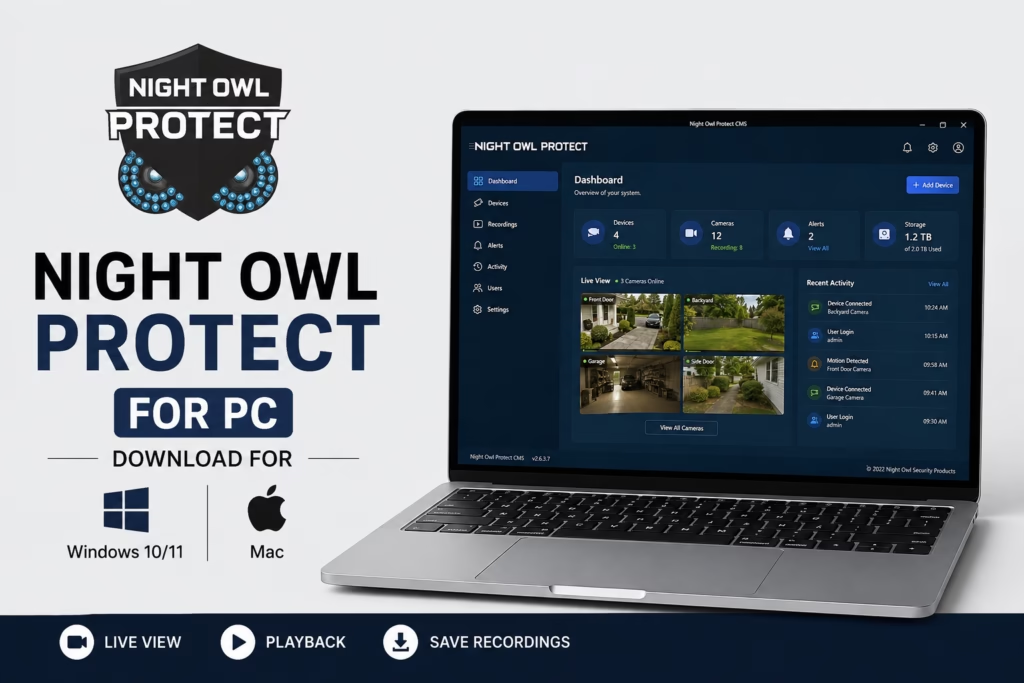
Night Owl Protect for PC – Download for Windows 10/11 & Mac
If you’re currently using Night Owl security cameras and would like to watch your live…
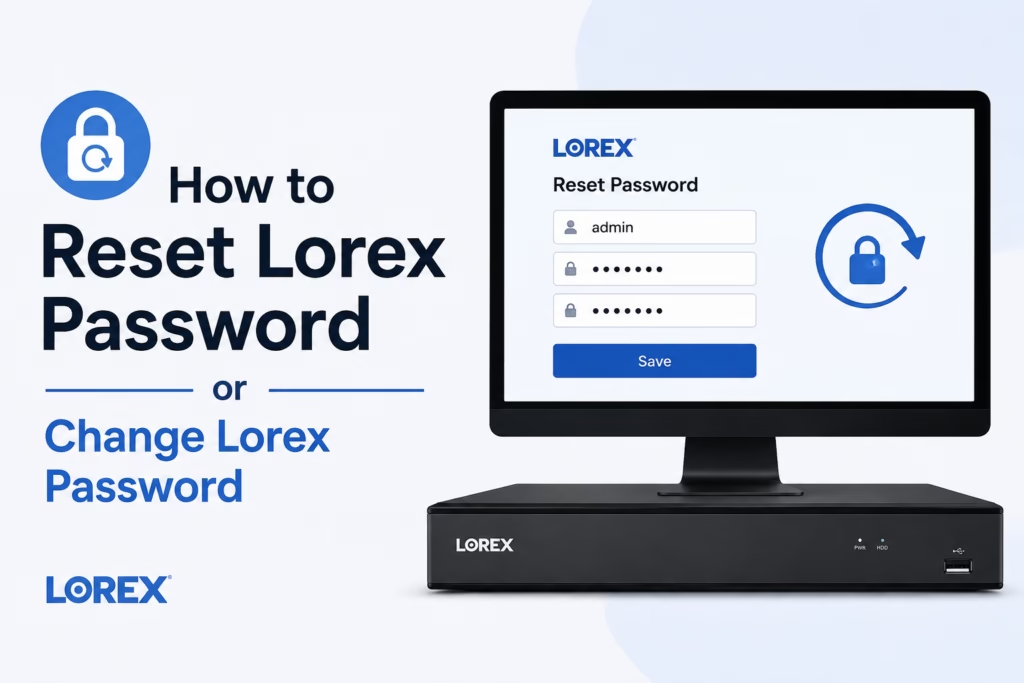
How to Reset Lorex Password or Change Lorex Password
If you need to change Lorex password settings or reset Lorex password because you forgot…
